Home of the Bestselling AI Artist's & Digital Product Seller's Playbook Series
DESIGN IT WITH TAMMIE GIBBS
Helping You Design, Sell & Get Noticed Online
The Education Hub
Creative learning, AI art tutorials, and digital product design guidance for creators
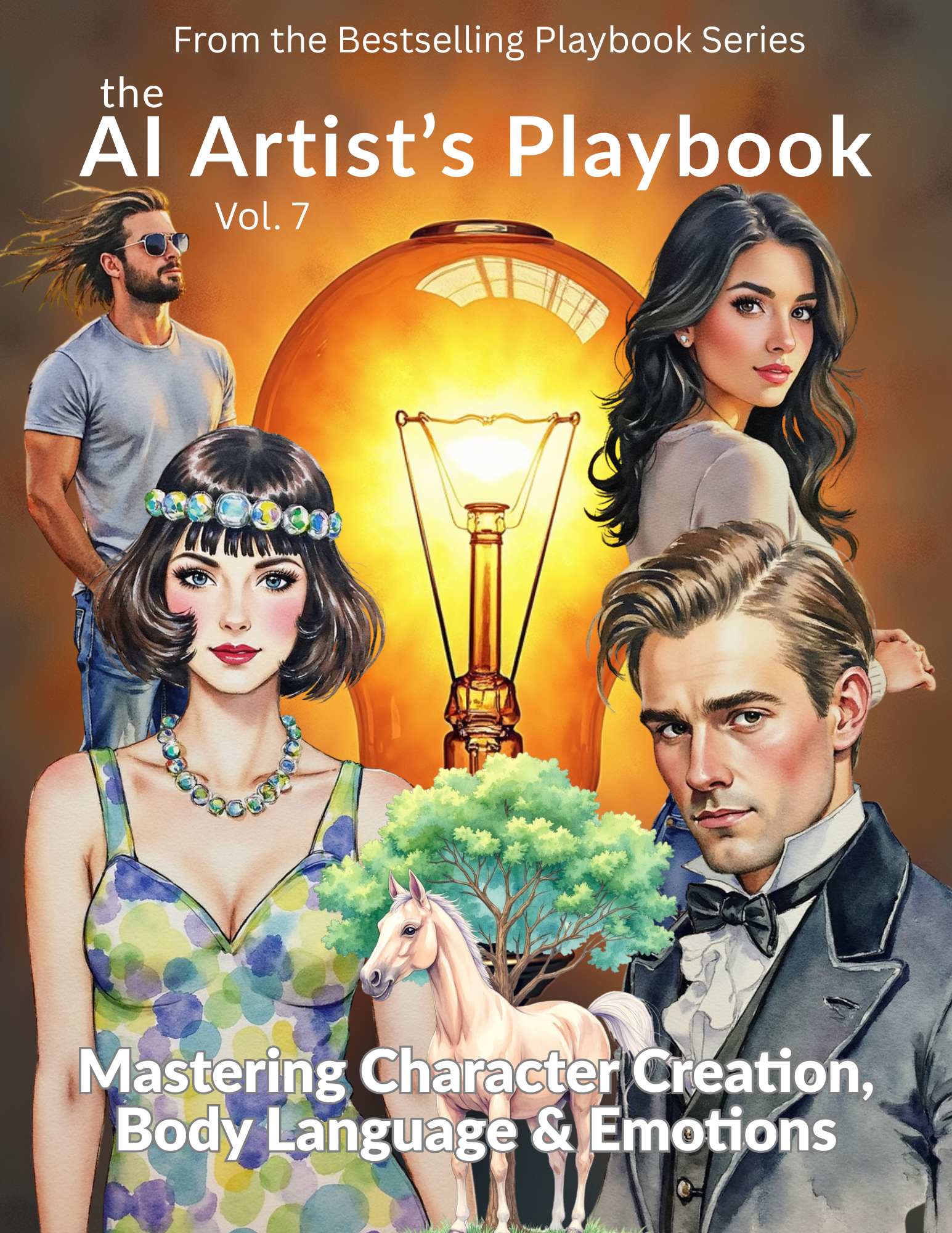
AI Tools & Workflow
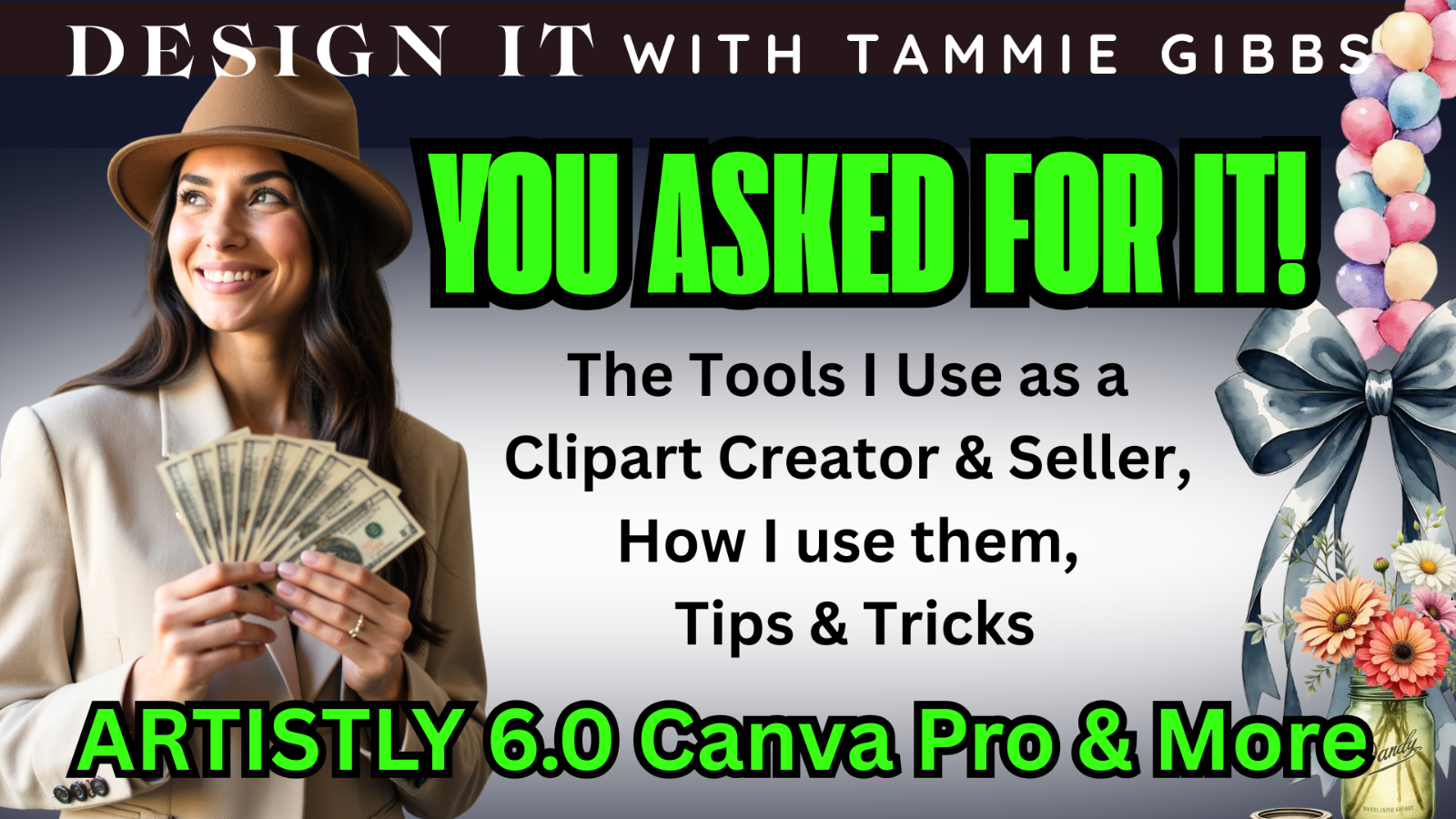
You asked for it — and here it is!
In this video, I’m revealing the exact tools I use every day as a Clipart Creator and Seller to create professional, commercial-use digital products fast. From Artistly 6 to Canva Pro, plus a few behind-the-scenes apps that streamline my workflow — you’ll get a few of my tips on how I design smarter, work faster, and sell with confidence.
Whether you’re an AI art creator, digital product designer, or just starting your Etsy shop, this video is packed with tips, tricks, and insights to help you take your creations (and your business) to the next level.
✨ What You’ll Learn:
The tools I use to create and edit AI clipart
How I combine Artistly 6 + Canva Pro for product-ready results
Quick hacks for presentation, mockups, and upscaling
How to simplify your design process and save hours of work

You Can Do WHAT with Pixelcut?!
I just stumbled onto a seriously mind-blowing feature inside Pixelcut — and if you’ve only been using it for background removal or upscaling, you’re missing out.
In this video, I’ll show you one of the most overlooked features Pixelcut offers (and why I wish I’d found it sooner). Whether you’re editing product photos, creating mockups, or designing graphics — this tool saves time and makes your designs shine.
✅ Background cleanup
✅ Shadow creation that actually works
✅ Smart design-level tricks you’ll actually use
… and the best part? If you already have a Pixelcut account, you’ve probably got 600 free credits per month waiting for you!
Wondering how to make your AI images crystal clear and PRINT READY? In this video, I’m diving into **DPI, upscaling, and aspect ratios** — and showing off **Artistly 6’s brand-new Custom Upscaler**, which takes the guesswork out of prepping your images for print. ✨ You’ll learn: ✔️ What DPI actually means (and how to hit 300 DPI for high-quality products) ✔️ Why aspect ratio is CRITICAL for accurate sizing ✔️ How the new tool calculates dimensions AND upscales for you This is a MUST-WATCH for digital product creators, AI artists, and anyone selling printables!
Struggling to speed up your AI art workflow without sacrificing quality? In this time-saving tutorial, I’m comparing two powerful tools — Pixelcut and Artistly 5.0 — to show you how I batch-remove backgrounds, upscale images, and prep commercial-ready art in record time. ⚡ Why it matters: Time is money when you’re a digital creator. ⚙️ What you’ll learn: How Pixelcut handles bulk background removal + AI upscaling How Artistly’s batch tools compare — including DPI conversion to 300 DPI When to use each tool (and why I use both!) Which tool fits best for different product types like clipart, printables, and more Need Pixelcut to bulk remove Backgrounds and upscale? https://pixelcut.ai/?via=tammie
Artistly just launched a powerful new feature—Bulk Actions—and in this video, I’m walking you through how it works and how to troubleshoot the issues you might face along the way. If you’re wondering: ✅ How do I use Bulk Actions in Artistly V5? ✅ Can I remove backgrounds, upscale, and get 300 dpi fast? ✅ Why aren’t my edits saving the way I expect? ✨ I’ll answer these and show you how to save both money and time by getting the most out of Artistly’s new Bulk Actions feature! 🧭 In This Video: ✔️ What Artistly’s Bulk Actions can do ✔️ How to use the background remover & upscale features ✔️ 300 dpi conversion tips ✔️ Common problems and how to fix them Perfect for: 🌟 Etsy sellers 🌟 Printable designers 🌟 Clipart creators 🌟 Anyone who wants to level up their AI art game! 💛 Want Even Better Prompts? Grab my AI Artist’s Playbooks and learn to get incredible, detailed results every time. ? QUESTION FOR YOU: Have you tried Bulk Actions yet? Drop a comment if you have questions or share your own best tips!
Artistly just dropped their new Bulk Actions feature in Version 5.0 — and I had to test it out! In this video, I walk through background removal, upscaling, and 300 DPI export all in bulk... but is it ready for real creative workflows? 💡 Whether you’re designing clipart, printables, or prepping graphics for Etsy, I’ll show you exactly what worked, what still needs improvement, and how this update could (or couldn’t) speed up your process. 🎨 What You’ll See: • Testing the new Bulk Actions tool • 300 DPI file exports • Upscaling results • Background removal reality check • Honest thoughts for digital product creators 👀 Curious if it’s worth using in your workflow? Let’s dive in!
Artistly just launched a powerful new feature—Bulk Actions—and in this video, I’m walking you through how it works and how to troubleshoot the issues you might face along the way. If you’re wondering: ✅ How do I use Bulk Actions in Artistly V5? ✅ Can I remove backgrounds, upscale, and get 300 dpi fast? ✅ Why aren’t my edits saving the way I expect? ✨ I’ll answer these and show you how to save both money and time by getting the most out of Artistly’s new Bulk Actions feature! 🧭 In This Video: ✔️ What Artistly’s Bulk Actions can do ✔️ How to use the background remover & upscale features ✔️ 300 dpi conversion tips ✔️ Common problems and how to fix them Perfect for: 🌟 Etsy sellers 🌟 Printable designers 🌟 Clipart creators 🌟 Anyone who wants to level up their AI art game! 💛 Want Even Better Prompts? Grab my AI Artist’s Playbooks and learn to get incredible, detailed results every time. ? QUESTION FOR YOU: Have you tried Bulk Actions yet? Drop a comment if you have questions or share your own best tips!
Artistly just dropped their new Bulk Actions feature in Version 5.0 — and I had to test it out! In this video, I walk through background removal, upscaling, and 300 DPI export all in bulk... but is it ready for real creative workflows? 💡 Whether you’re designing clipart, printables, or prepping graphics for Etsy, I’ll show you exactly what worked, what still needs improvement, and how this update could (or couldn’t) speed up your process. 🎨 What You’ll See: • Testing the new Bulk Actions tool • 300 DPI file exports • Upscaling results • Background removal reality check • Honest thoughts for digital product creators 👀 Curious if it’s worth using in your workflow? Let’s dive in!
Artistly AI Platform Tools Overview
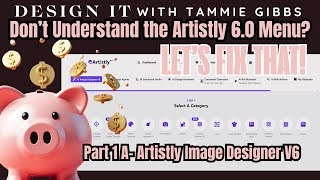
“If you’ve ever opened Artistly and wondered WHY there are so many designers… it’s because they’re all trained differently. Today, I’m showing you what they really do — and how to pick the right one so you can create more amazing images...
Part 1A is here! Today we’re diving deeper into Artistly 6.0 and breaking down what each Designer Under the first TIER is actually trained for — because they are NOT the same.
I’ll show you:
⭐ What each Designer specializes in
⭐ The hidden strengths
⭐ Why you may get very different results even with the same prompt
⭐ Extra discoveries I found while testing every Designer
If you’ve been confused about which Designer to use — or you’ve wasted time on the wrong one — this video will help you understand Artistly 6.0 on a whole new level.
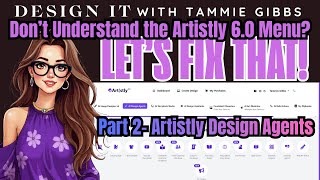
Welcome to Part 2 of my Artistly 6.0 Menu Guide! Today we’re diving into one of the most misunderstood sections inside Artistly — the Design Agents. These “agents” each have a unique specialty and some can do far more than most users realize. In this video, I break down: ✨ What each Design Agent is trained to do ✨ A few Hidden ways to use some of them... If you’ve ever wondered: “Why are there so many agents?” …or… “Which one should I pick for MY project?” This video will finally make it all make sense. This series is designed to help you stop guessing and start creating with confidence.
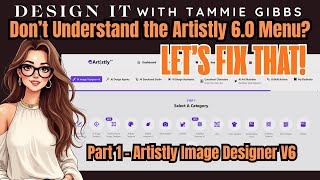
If the Artistly 6.0 menu looks overwhelming… it’s actually one of the easiest tools you’ll ever use. But only if you know what you’re looking at. So today, we’re breaking down the interface—clearly, simply, and without the confusion. Artistly is incredibly powerful… but when you don’t understand the menu, it can feel overwhelming. This video fixes that. 💡 Part 1 Covers: The AI Image Designer 6 Tier One and all the "tools" on that tier. We’ll cover: ✨ Where everything is ✨The real gist of what each button can do... ✨ How to avoid overthinking the interface ✨ How to get the most out of Artistly 6.0 TODAY Whether you’re creating clipart, characters, printables, mockups, or running a digital business, understanding the menu is the key to unlocking everything.
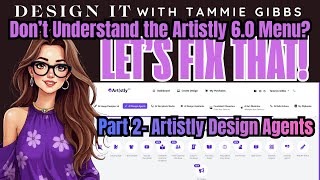
Welcome to Part 2 of my Artistly 6.0 Menu Guide! Today we’re diving into one of the most misunderstood sections inside Artistly — the Design Agents. These “agents” each have a unique specialty and some can do far more than most users realize. In this video, I break down: ✨ What each Design Agent is trained to do ✨ A few Hidden ways to use some of them... If you’ve ever wondered: “Why are there so many agents?” …or… “Which one should I pick for MY project?” This video will finally make it all make sense. This series is designed to help you stop guessing and start creating with confidence.
Prompting For Profit- Product Creation
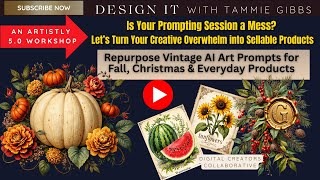
Repurpose Vintage AI Art Prompts for Fall, Christmas & Everyday Digital Products Feeling like your prompting sessions are all over the place? You're not alone — and it's not a bad thing. In this Artistly 5.0 Workshop, I show you how to take your chaotic AI art prompts and turn them into cohesive, sellable products. 📦 From seed packets to seasonal art — see how I turn one "messy" session into: ✔️ Fall & Christmas clipart ✔️ Junk journal pages ✔️ Printable tags, planner pages, & more 🎯 Perfect for anyone using The AI Artist’s Playbooks or looking to get more out of their AI prompting sessions. Don’t toss your ideas — transform them!
Stop leaving money on the table! In this video, I'll show you exactly how to take just 5 simple clipart pieces and turn them into 10+ sellable product ideas—all using Artistly Version 5. These ideas will help you get more from every prompt and build a cohesive, sellable collection. ✅ Learn to think like a product designer ✅ Maximize your Artistly prompts ✅ Grow your digital product shop or Etsy store ✅ Perfect for teachers, small business owners, and creative entrepreneurs
Got messy, busy, or imperfect AI art? Don’t hit delete! 🎨✨ I know a common problem is when the background of an image doesn't remove cleaning. In this video, I’m showing you 7 easy, profitable products you can create from those “failed” or cluttered AI images. Whether you’re using Artistly Version 5 or any other AI art tool, I’ll teach you how to turn messy backgrounds into unique, sellable designs. ✅ Junk journal pages and covers ✅ Printable tags and labels ✅ Torn-edge borders and stickers ✅ Digital scrapbook papers ✅ Mood board and branding elements ✅ Framed printable cards ✅ Repeat patterns for POD No wasted art. No wasted time. Just creative ways to repurpose everything you make with AI into real products buyers want.
Want to make more than just the same old printables? In this video, I'm sharing 5 magical, creative, and low-competition product ideas you can design using Artistly Version 5. Perfect for Etsy, print-on-demand, or your own digital shop! ✅ Fresh product ideas that stand out ✅ Whimsical, fantasy-inspired style ✅ Practical tips for marketing & selling Artistly V5 is full of amazing new features, and these ideas will help you use them in ways your customers will love. ⭐ Watch now and get inspired to create products that actually SELL! ⭐
Ideas for Etsy Sellers and Digital Designers Ready to turn simple bookmark-sized designs into a goldmine of profitable products? In this video, I’m sharing 10 creative and money-making ways to use the humble bookmark size — Whether you’re a digital product creator, printable seller, or just need new ideas for your Etsy shop, this episode is packed with inspiration you can use right away. 🔍 We’ll talk product versatility, trending design ideas, and smart ways to repurpose your existing artwork. ✨ PLUS — this concept is perfect for batching designs, building seasonal collections, and increasing your income with less effort!
Are you creating just for fun… or to fund your digital product business? 🎯 In this video, we’re breaking down the difference between “pretty” designs and profitable ones. Using Artistly 6.0, it’s easier than ever to make stunning art — but that doesn’t mean it will sell. I’ll walk you through how to evaluate your art like a product creator, not just an artist. We’ll cover: • The the questions to ask yourself before turning any design into a product • Common mistakes that cost digital creators time and money • How to intentionally design for Q4 holiday buyers • Simple tweaks to go from “just pretty” to seasonal bestsellers
✨ Want to know the secret behind creating profitable bundles with Artistly 6? It all comes down to how you prompt — and how you structure what you create. In this video, I’ll show you how I use Artistly 6 + my AI Artist Playbook to generate themed, cohesive images that can be turned into full product bundles — fast. We’ll cover: ✅ What makes a good bundle ✅ How to keep your styles consistent ✅ How to batch with themes using prompt styling Whether you’re creating clipart packs, sticker sheets, or printable kits — These tips will help you create more consistent and marketable kits and bundles. This video will give you the structure and strategy to build smarter (and more profitably).
Artistly 6 just dropped a major update — V3 Seamless Patterns — and in this video, I’m showing you exactly how to use this feature to elevate your designs and create products that actually sell. Using my AI Artist Playbook and Theme Playbook system, I’ll walk you through how to go from pattern prompt to images ready to turn a profit. You’ll see how to prompt for patterns with the new V2 Seamless Pattern Feature. You can use Seamless Patterns for so many different things, so knowing how to use this feature can mean more money and more fun. If you’ve been struggling to make your patterns stand out or don’t know what to do with them, this video will give you the step-by-step breakdown. By the end, you'll not only understand the new seamless pattern tool — you'll know how it can become a whole new income stream.
Ready to stop scrolling and start selling? In this video, I’ll show you how to go from prompt to profit in minutes using Artistly 6. We’ll prompt for a few holiday products I’ll also share tips from my AI Artist Playbook for crafting consistent prompts and rescuing imperfect outputs, plus seasonal inspiration straight from the Theme Playbook. By the end, you’ll see exactly how easy it is to turn your holiday inspiration into sellable products—fast. Don’t leave money on the holiday table—grab your Playbooks and let’s dive in!
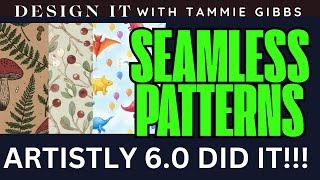
Artistly 6.0 just rolled out one of the most exciting updates yet: seamless patterns. In this video, I’ll walk you through what it means, how it works, and why it’s such a big deal for digital creators. You’ll see examples of the new creation process These are great for digital papers, wrapping paper, and POD designs. I even get in a bit of fancy prompting toward the end to push the limits of Artistly 6's NEW Seamless Patterns 2 Feature. Don't forget about The Ultimate Themes Playbook the newest edition to My Bestselling Playbook Series of Tools for Digital Product Creators and AI Artists... this thing is over 700 Pages and on Sale for a limited time for 70% off. See the Links below.

Are you sitting on a goldmine of designs without realizing it? 💎 In this video, I’ll show you how to 5X your revenue potential by taking the AI art and digital designs you’ve already created in Artistly 5 and plugging them into multiple streams of income. From Etsy to Gumroad, POD, and even offline opportunities, you’ll see exactly how to stretch one design into multiple profit paths. If you’ve been wondering how to make your work go further, this is your roadmap.
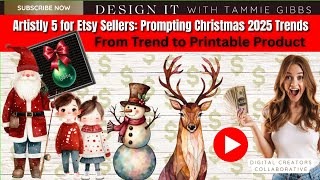
Christmas 2025 is coming fast — and the design trends are already here. In this video, I’ll show you how to take real holiday trends and turn them into sellable digital products using Artistly 5 and Canva. 🎄✨ We’ll walk through:• This year’s biggest Christmas design directions How to prompt Artistly for art that fits the trend • Quick mockups so you can see products in action • Ideas for digital and offline applications (printables, journaling kits, stickers, gift tags, even holiday décor!) By the end, you’ll see how one seasonal trend can become multiple profitable products — perfect for Etsy, print-on-demand, or your own shop. 💬 Question for you: Which 2025 holiday trend are YOU most excited to design for?
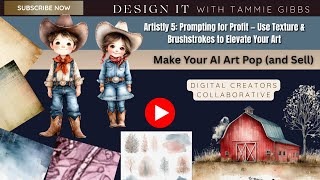
Want to turn flat-looking AI art into beautiful, sellable digital products? In this video, I’m showing you exactly how I use texture and brushstroke prompts inside Artistly 5 to take simple designs and elevate them to professional-level artwork. Whether you're making printables, clipart, or journaling elements — this one technique can make all the difference. 🎨 Here's what you'll learn: • How to use The AI Artist’s Playbook to enhance texture, brushstrokes, and realism • The specific prompting phrases that trigger better artistic output inside Artistly 5 • How a small tweak in prompt structure = huge visual difference We'll walk through before/after examples, discuss brushstroke types, texture overlays, and more — all with selling in mind.
How to Prompt for Different Products and Choose the Right Designer inside Artistly Ready to take your prompting skills to the next level — and actually turn them into profit? 🚀 In this video, I’m diving into one of the biggest secrets of success with Artistly 5: choosing the right designer for the right product. Whether you’re creating clipart packs, ephemera sheets, journaling pages, or printables, not every designer will give you the same results. And that can literally make or break your sales. Here’s what we’ll cover: ✨ How to match prompts with different Artistly designers for maximum output ✨ Why choosing the wrong designer leads to failed images (and lost income) ✨ My favorite strategies to adapt one prompt for multiple product types ✨ A side-by-side comparison that shows you the difference the right choice makes This episode is all about prompting with profit in mind. If you’ve been wondering why your results look “off” or how to make products that actually sell, this video is for you.
Prompting with the AI Artist's Playbooks
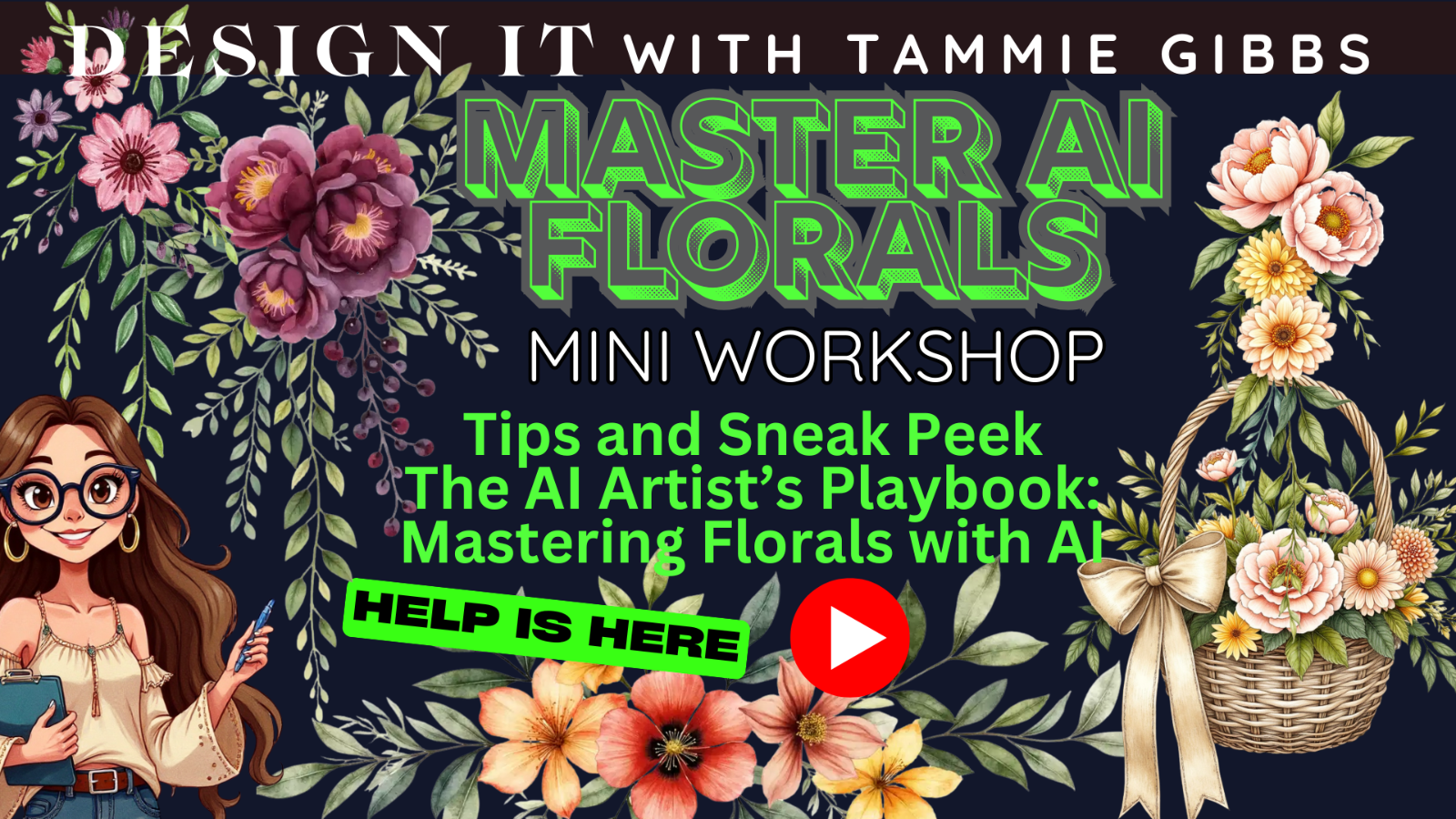
🌷 MINI WORKSHOP: Creating Stunning Florals with AI 🌷 Ready to take your AI art to the next level? In this mini-workshop, I’ll show you how to create breathtaking floral designs using Artistly 6, and insider strategies straight from my brand-new AI Artist’s Playbook: Mastering Florals with AI. Whether you’re designing clipart, digital paper, printables, or product mockups — this workshop will teach you: 💡 How to structure floral prompts for realistic and artistic results 🎨 Techniques for achieving watercolor, vintage, and painterly floral effects 🪷 Sneak peek at the new Mastering Florals with AI Playbook — the ultimate creative companion for artists and product creators ✨ Perfect for: – AI Artists & Digital Product Sellers – Clipart & Print-on-Demand Designers – Creators who want to turn AI art into profitable, sellable products 👇 Watch now and transform your florals into works of art!
In today’s video, I’m showing you how the Christmas Florals Playbook isn’t just for Christmas! 🎨✨ I take one of the color palettes from the Playbook and apply it to different images inside Artistly 6 to show how easily you can turn “holiday colors” into everyday designs. I even use the style techniques from the Playbook on a cute bear image — and then show you how those same elements can be used to create a beautiful recipe page and recipe binder cover! If you have the Playbook, this will help you get WAY more value out of it. If you don’t, this will show you how versatile themed tools can be when you think outside the season.
Tired of creating digital products that don’t sell? Then this is the strategy session you need. In this video, I’m giving you a behind-the-scenes look at The Profitable Products Playbook, a powerful resource designed to help digital creators stop guessing—and start creating with purpose. ✔️ Learn why product selection is one of the most important decisions you’ll make as a digital seller ✔️ Discover how to use the Playbook to generate product ideas that actually have selling potential ✔️ Get inspired to take your existing skills and turn them into a strategic, scalable product line This isn’t just an overview—it’s a Product Strategy Session designed to help you build the kind of shop that grows on purpose. 💼 To Purchase The Profitable Product's Playbook visit the links to my Etsy and Gumroad stores below. Be sure to check out all of my Bestselling Playbooks designed to help you create and promote.
Want to see what Artistly Version 6 can really do? In this video, I dive into creating professional mockups using ONLY Artistly 6 — no Canva, Photoshop, or fancy design tools required! For my 2nd Video introducing The AI Artist's Playbook: Mastering Mockups I’m showing you how to: -Use Artistly’s Version 6 Mockup Creator tool effectively -Combine it with the Human Stylizer for stunning mockup characters -Leverage The AI Artist’s Playbook: Mastering Mockups to guide your prompts -Create market-ready mockups without ever leaving the Artistly platform Whether you're a digital product seller, printable creator, or Etsy shop owner, this combo of Artistly Vs 6+ the Playbook gives you maximum visual impact with minimum fuss. 🎨 The AI Artist’s Playbook: Mastering Mockups 🧠 What You’ll Learn in this Demo: -How to prompt for mockup settings inside Artistly -How to generate product-style images that sell The Playbook is packed with: ✔️ Prompt templates for all major mockup types ✔️ Phrase banks & visual planning aids ✔️ Tips for real product application across Etsy, Gumroad, Teachers Pay Teachers & more
🧠 One of the most common questions I get is: “Which Playbook should I start with?” In this video, I’m walking you through all 6 Playbooks in the AI Artist’s Playbook Series — so you can see what’s inside, what each one covers, and how I use them in real-time with Artistly 6.0. Whether you're interested in AI clipart, seamless patterns, color control, junk journaling, or themed product creation — there's a Playbook that can help you go from idea to income faster. You’ll also see how the Playbooks work together, how I use them and how they help me create amazing art that is elevated and how you can too.
You’ve got Artistly 6.0 in your hands… been using it for a while but still struggling? Now what? 🤔 If you’re ready to stop procrastinating and start profiting, this video is for you! In this tutorial, I’ll walk you through exactly how I use The Ultimate Themes Playbook to turn AI-generated art into real, market-ready digital products. Tools like Artistly 6.0 are amazing for creating art, but the Playbook is the system that can help you package those creations into profitable themes, bundles, and products that actually sell. 👉 In this video, you’ll learn: Why tools alone aren’t enough (and what most Etsy sellers are missing) How to take a single theme (Steampunk) and evolve it into trending, marketable product ideas How the Playbook can be the shortcut to the consistent, repeatable workflow you've been looking for. No more reinventing the wheel each time. How to you can supercharge your productivity and profit potential while having lots of fun. If you’ve ever felt stuck deciding what to create or have been unsure how to take it to the next step — this is the bridge between making art and making sales.
🧠 One of the most common questions I get is: “Which Playbook should I start with?” In this video, I’m walking you through all 6 Playbooks in the AI Artist’s Playbook Series — so you can see what’s inside, what each one covers, and how I use them in real-time with Artistly 6.0. Whether you're interested in AI clipart, seamless patterns, color control, junk journaling, or themed product creation — there's a Playbook that can help you go from idea to income faster. You’ll also see how the Playbooks work together, how I use them and how they help me create amazing art that is elevated and how you can too.
You’ve got Artistly 6.0 in your hands… been using it for a while but still struggling? Now what? 🤔 If you’re ready to stop procrastinating and start profiting, this video is for you! In this tutorial, I’ll walk you through exactly how I use The Ultimate Themes Playbook to turn AI-generated art into real, market-ready digital products. Tools like Artistly 6.0 are amazing for creating art, but the Playbook is the system that can help you package those creations into profitable themes, bundles, and products that actually sell. 👉 In this video, you’ll learn: Why tools alone aren’t enough (and what most Etsy sellers are missing) How to take a single theme (Steampunk) and evolve it into trending, marketable product ideas How the Playbook can be the shortcut to the consistent, repeatable workflow you've been looking for. No more reinventing the wheel each time. How to you can supercharge your productivity and profit potential while having lots of fun. If you’ve ever felt stuck deciding what to create or have been unsure how to take it to the next step — this is the bridge between making art and making sales.
Prompting Foundations
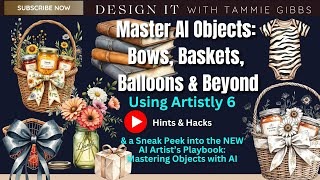
🎀 MASTER AI OBJECTS: Bows, Baskets, Balloons & Beyond! 🎀 In this mini workshop, I’m diving into the object creation side of AI art — showing you how to design, style, and refine AI-generated objects like bows, baskets, books, balloons, jars, and more using Artistly 6! 💡 You’ll learn: ✨ How to prompt for realistic and stylized objects 🎨 How to create cohesive object collections that sell 🧠 PLUS — a sneak peek inside my brand-new AI Artist’s Playbook: Mastering Objects with AI If you’ve ever struggled to get clean, consistent, or creative objects from your AI image generator — this workshop is for YOU.
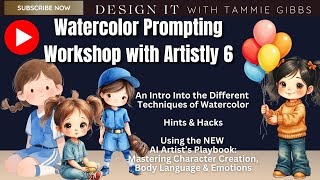
In this hands-on Prompting Workshop, I'm walking you through the world of watercolor styles inside Artistly 6 — using my newest playbook, The AI Artist’s Playbook: Mastering Character Creation, Body Language & Emotions. Learn how different watercolor techniques affect your final images, and how to match those styles with real digital products — This is a Intro to Watercolor Prompting... 👉 You’ll see: How to prompt effectively for watercolor in Artistly 6 Which designers inside Artistly produce the best watercolor effects How to adapt prompts using the New Playbook
Is your AI art blending in instead of standing out? Then this is for you. In today’s video, I’m sharing exactly how to go from blah to brilliant using smart, intentional prompts — plus color and texture strategies that will transform your designs into something truly sellable. ✨ You’ll learn how to: ✅ Build better prompts using concept layering ✅ Apply consistent colors that make your art feel cohesive ✅ Add texture overlays to give your images depth and personality Whether you’re building clipart, digital paper, or printable kits, this will help you finally create art that stands out in a sea of sameness. 🔗 Want my exact prompt banks, color swatches, and texture overlay tips? Grab the AI Artist’s Playbooks
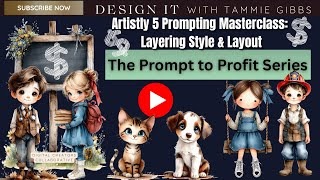
Prompts that sell are built in layers. I’ll show you the exact layering stack—style, layout, detail, finish—so your outputs look cohesive and commercial-ready. 🔍 We’ll break down do/don’t examples, fix muddy styles, and lock in consistent proportions.
🚨 NEW Beginner-Friendly Prompting Workshop in Artistly 5.0 🚨 If you’ve been struggling to get the AI art results you really want — or you’re brand new and feeling lost — this is the step-by-step training you’ve been waiting for. In this hands-on Artistly 5.0 workshop, I break down: ✅ How to start with a simple prompt and build it up for better results ✅ Why certain prompt words work (and others don’t) ✅ How to fix “off” results without starting over ✅ The secrets to prompt consistency so your art matches your vision ✅ How to apply these skills to any style of AI art
You Won’t Believe What This One Prompt Turned Into! 🎨✨Let's explore Watercolor... I started with just one simple prompt and created a whole host of images that you won't believe. Using Artistly V5’s Advanced Image Designer + The AI Artist’s Playbooks, this video will show you the real magic of smart prompting. Perfect for sellable stickers, clipart, printables, and more! Watch the full workshop to see how to: ✅ Turn a single prompt into cohesive artwork ✅ Learn to adapt the prompts to get unbelievable results ✅ Use the Playbooks to boost quality + design speed
Ready to get better AI art results fast? In this workshop, I’ll share 5 simple, proven prompt tweaks you can use with Artistly V5 to instantly improve your art. We will also explore some of Artistly's generators and how they treat the various prompts. ✅ Make your AI prompts more clear and professional. ✅ Create art you can actually sell or use in your projects. Perfect for: ✅ Etsy sellers ✅ Print-on-demand designers ✅ Digital creators ✅ Anyone wanting pro-level AI art. What You’ll Learn: ✔️ How to avoid one-word “junk” prompts ✔️ 5 easy tweaks that make a HUGE difference ✔️ Real examples and before/after transformations
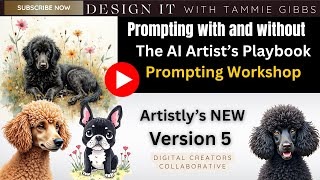
Ready to level up your prompting skills with Artistly 5.0? In this fun and informative Prompting Workshop, I walk you through the difference between prompting WITH and WITHOUT The AI Artist’s Playbook — so you can see the real impact it has on your results! Whether you’re just starting or already creating AI art, you’ll get clear insight into how to build better prompts and unlock more consistent, higher-quality results — especially for clipart and creative digital products like the ones shown here. 🎥 In this episode: • Prompting without a strategy vs. with a strategy • What The AI Artist’s Playbook brings to your workflow • Artistly 5.0 features in action • Real-time art generation demo (including those adorable pups!) • Creative tips to improve your AI-generated designs instantly
AI Floral and Botanical Creation
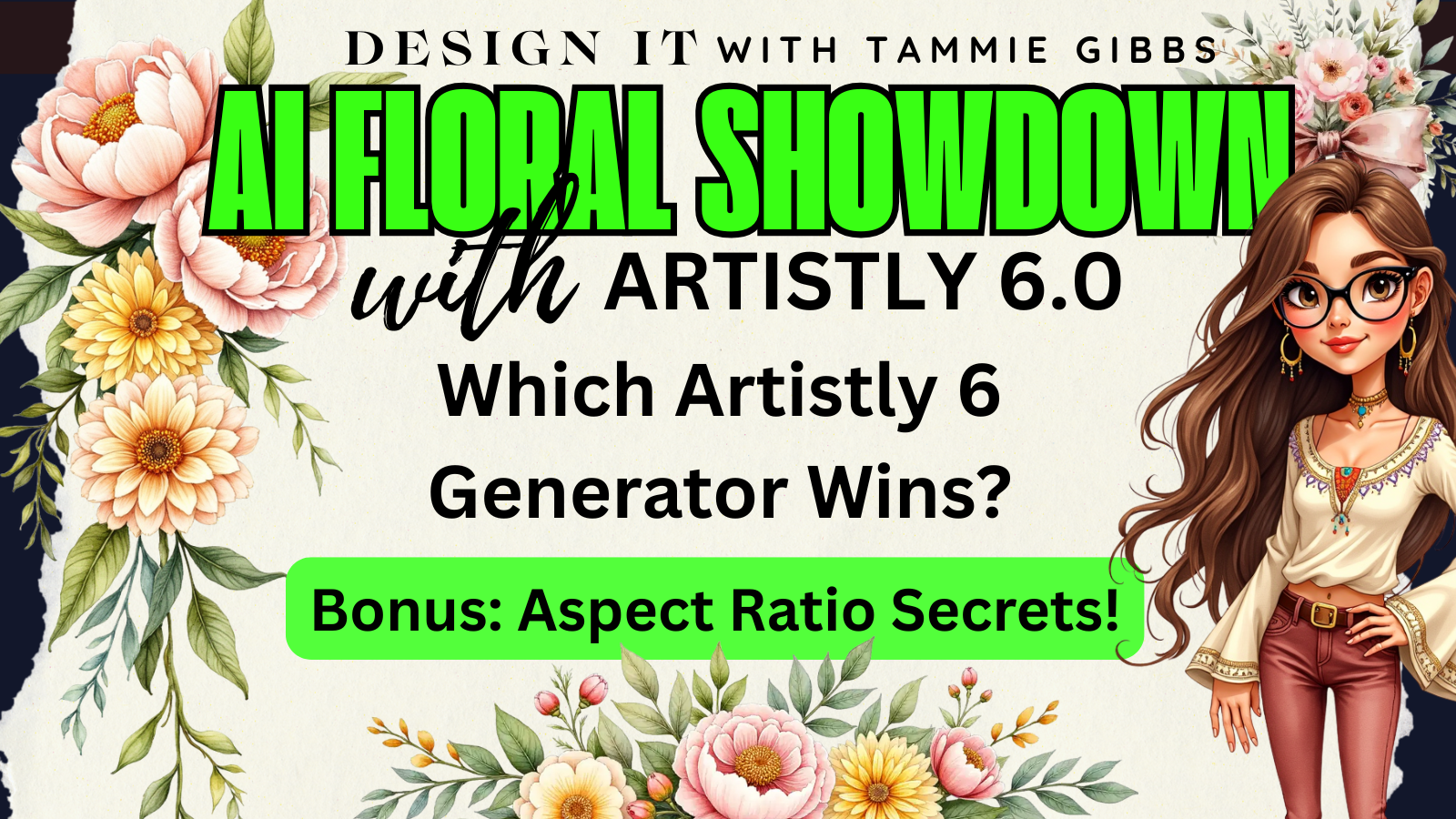
🎨 AI Floral Showdown: Same Prompt, Different Generators + Aspect Ratios!
Ever wonder how much difference the generator or aspect ratio really makes inside Artistly 6? In this quick but powerful workshop, I take one floral prompt and run it through every major generator inside Artistly — from Watercolor to Artistic Designer to Seamless Patterns and more — so you can see exactly which generator delivers the best look for your style of art!
🌺 You’ll discover:
✨ How a single floral prompt transforms across Artistly 6’s many generators
🎨 Which generators work best for watercolor, painterly, and artistic floral effects
📏 How aspect ratios change your composition and style dramatically
🧠 Tips for choosing the right generator for your next project
💡Don't forget to check out my new AI Artist’s Playbook: Mastering Florals with AI, packed with reference sheets, prompt structures, and cheat guides for creating amazing florals with AI.
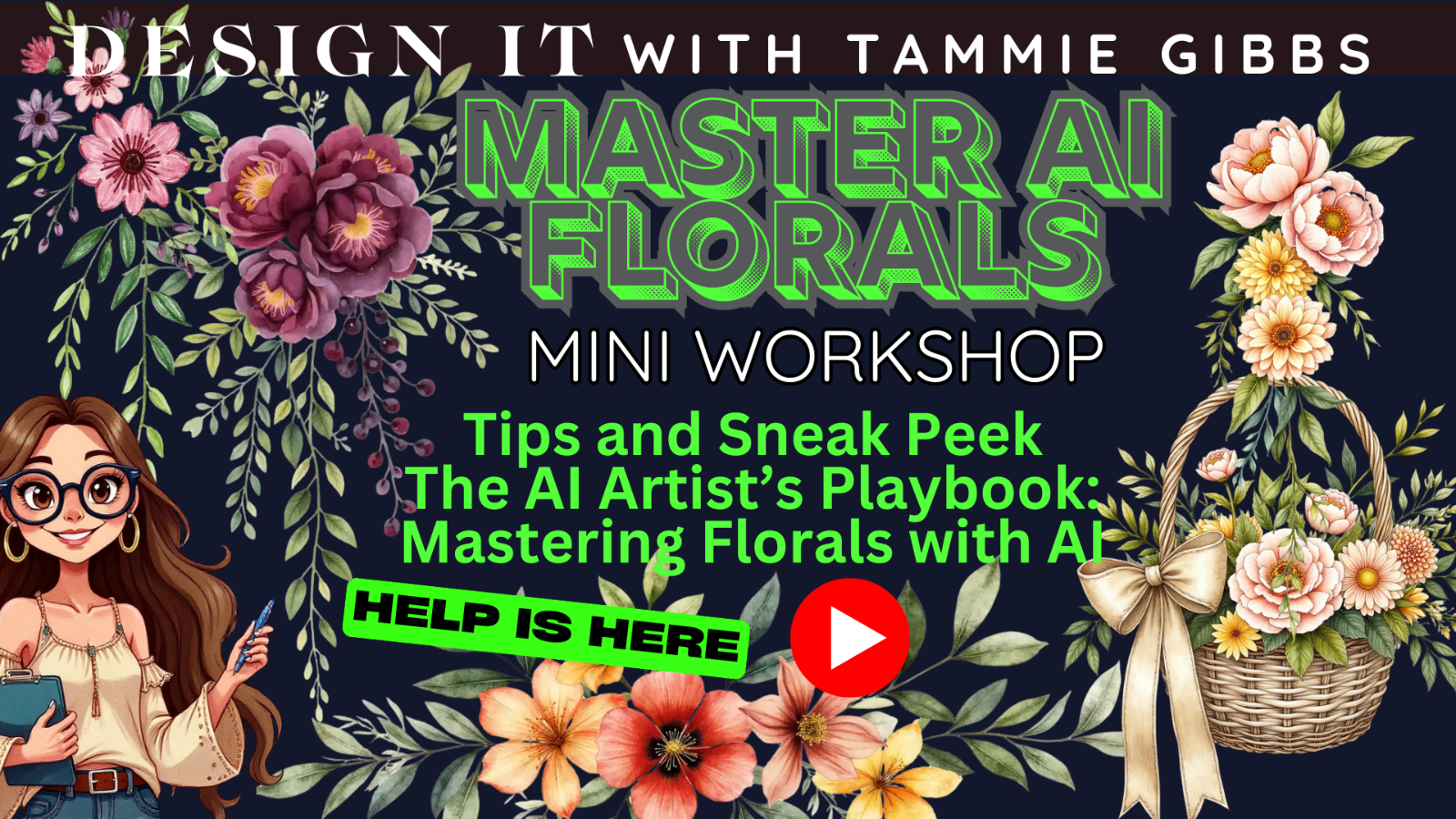
🌷 MINI WORKSHOP: Creating Stunning Florals with AI 🌷
Ready to take your AI art to the next level? In this mini-workshop, I’ll show you how to create breathtaking floral designs using Artistly 6, and insider strategies straight from my brand-new AI Artist’s Playbook: Mastering Florals with AI.
Whether you’re designing clipart, digital paper, printables, or product mockups — this workshop will teach you:
💡 How to structure floral prompts for realistic and artistic results
🎨 Techniques for achieving watercolor, vintage, and painterly floral effects
🪷 Sneak peek at the new Mastering Florals with AI Playbook — the ultimate creative companion for artists and product creators
✨ Perfect for:
– AI Artists & Digital Product Sellers
– Clipart & Print-on-Demand Designers
– Creators who want to turn AI art into profitable, sellable products
👇 Watch now and transform your florals into works of art!
🩵 Subscribe for weekly AI tutorials, workshops & creative business tips!
Want to make better holiday clipart with less guesswork? In this video, I’m showing you exactly how I use Artistly 6’s latest features + The AI Artist’s Playbook: Christmas Florals Edition to create cohesive, high-quality holiday designs that SELL. 💡 Whether you’re designing for clipart packs, printables, invitations, or junk journals — this Playbook gives you: Seasonal floral phrases and prompt language Style inspiration for vintage, watercolor, retro and more Layout ideas for wreaths, clusters, bouquets and swags Color palettes, flower varieties, and design tips A huge time-saver for batch creation! No fluff — just a walkthrough of how to use this tool with Artistly to create marketable products, fast.
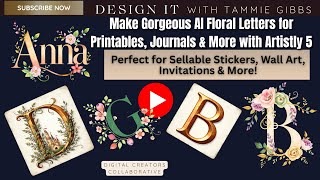
🎨 Make Gorgeous AI Floral Letters for Printables, Journals & More with Artistly 5
🌸 Perfect for Sellable Stickers, Wall Art, Invitations & More!
In this video, I’ll show you how I use Artistly Version 5 to create stunning, one-of-a-kind floral letters and alphabet clipart — perfect for creators who want to turn their AI art into real products that sell.
From printable wall art to planner stickers, custom name prints, monograms, tags, journal pages, invitations, and more — these floral letters are incredibly versatile and totally market-ready.
You’ll also see how I take the designs into Canva Pro to create and edit using templates that can be reused over and over saving you tons of time and enhancing your workflow.
🧠 Whether you sell on Etsy, design for clients, or just love making beautiful digital products — this workflow saves you time and gives you beautiful results.
Want to make stunning, usable florals with Artistly? In this video, I’m sharing my personal secrets for prompting Artistly 5 to create beautiful floral art perfect for junk journals, printables, and digital products. I'm even sharing which of the Artistly Generators are my favorites when I'm creating florals. ✅ Real-time prompting demo ✅ My favorite tips for consistent results ✅ Perfect for Etsy sellers, junk journalers, and digital creators
In today’s video, I’m showing you how the Christmas Florals Playbook isn’t just for Christmas! 🎨✨
I take one of the color palettes from the Playbook and apply it to different images inside Artistly 6 to show how easily you can turn “holiday colors” into everyday designs. I even use the style techniques from the Playbook on a cute bear image — and then show you how those same elements can be used to create a beautiful recipe page and recipe binder cover!
If you have the Playbook, this will help you get WAY more value out of it.
If you don’t, this will show you how versatile themed tools can be when you think outside the season.
AI Character Creation
In today’s video, we’re diving into character clipart creation using Artistly 6 and the new AI Artist’s Playbook: Mastering Character Creation, Body Language & Emotions. Whether you're creating monsters, animals, kids, or even fantasy creatures, one thing is true: 👉 Characters with emotion and expression sell better. I’ll show you how to transform AI-generated characters from flat and forgettable to fun and full of life—just by tweaking body language and emotional cues using tools from the Playbook. Perfect for: Clipart creators Printable designers Sticker sellers Children’s product designers 🎨 Learn how to add sass, sweetness, and story to any character… and turn your packs into customer favorites.
“Most AI art looks flat and lifeless… but yours doesn’t have to. 💡 Let’s make your characters stand out from the crowd!
Don’t Be Basic — Be Brilliant!
If your AI characters still look flat, lifeless, or “same as everyone else’s,” this workshop will change everything.
In this hands-on prompting session, I’ll show you how to bring your AI-generated characters to life using The AI Artist’s Playbook: Mastering Character Creation, Body Language & Emotions with Artistly 6.
We’ll cover:
✨ How to control hair texture, shape, and movement in prompts
✨ How to create believable body diversity and posture
✨ How to stand out from the crowd
Whether you’re creating clipart, portraits, or storybook characters, this tutorial will help you level up your art and rise above the “cookie-cutter” AI look flooding the market.
🌟 Who This Workshop Is For
💎 AI Artists & Digital Creators: Learn the structure and phrasing that make your characters expressive and consistent across collections.
📘 Storybook Authors & Illustrators: Discover how to prompt recurring characters with personality, age-appropriate features, and emotional depth for your books and children’s art.
🛍️ Etsy & Gumroad Sellers: Create digital products that stand out with more professional, human appeal.
🎨 Designers & Dreamers: Gain the confidence to bring any character concept to life — beautifully and intentionally.
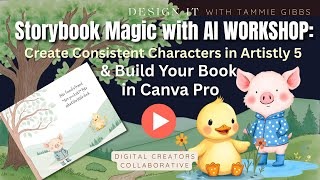
A Great New Workshop: Want to create your own storybooks with consistent, lovable characters? In this video, I’m showing you exactly how I create consistent characters using Artistly 5, and how I bring it all together to build a beautiful storybook using Canva Pro. If your characters keep changing from page to page, or your storybook layouts feel disconnected—this is the solution you’ve been waiting for. You’ll learn: ✅ How to prompt consistent characters in Artistly 5 ✅ My trick for keeping the same face, outfit, and style ✅ How to get started in Canva Pro laying out your pages ✅ How I use the AI Artist’s Playbook system to make it all easier Whether you're creating books for kids, clipart collections, or storytelling projects, this is where the storybook magic begins.✨
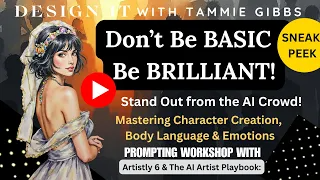
“Most AI art looks flat and lifeless… but yours doesn’t have to. 💡 Let’s make your characters stand out from the crowd!
Don’t Be Basic — Be Brilliant!
If your AI characters still look flat, lifeless, or “same as everyone else’s,” this workshop will change everything.
In this hands-on prompting session, I’ll show you how to bring your AI-generated characters to life using The AI Artist’s Playbook: Mastering Character Creation, Body Language & Emotions with Artistly 6.
We’ll cover:
✨ How to control hair texture, shape, and movement in prompts
✨ How to create believable body diversity and posture
✨ How to stand out from the crowd
Whether you’re creating clipart, portraits, or storybook characters, this tutorial will help you level up your art and rise above the “cookie-cutter” AI look flooding the market.
🌟 Who This Workshop Is For
💎 AI Artists & Digital Creators: Learn the structure and phrasing that make your characters expressive and consistent across collections.
📘 Storybook Authors & Illustrators: Discover how to prompt recurring characters with personality, age-appropriate features, and emotional depth for your books and children’s art.
🛍️ Etsy & Gumroad Sellers: Create digital products that stand out with more professional, human appeal.
🎨 Designers & Dreamers: Gain the confidence to bring any character concept to life — beautifully and intentionally.
Creating Mockups
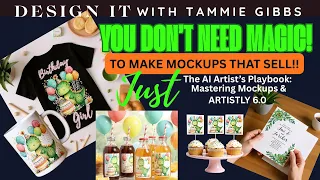
👀 Want to see what Artistly Version 6 can really do? In this video, I dive into creating professional mockups using ONLY Artistly 6 — no Canva, Photoshop, or fancy design tools required! For my 2nd Video introducing The AI Artist's Playbook: Mastering Mockups I’m showing you how to: -Use Artistly’s Version 6 Mockup Creator tool effectively -Combine it with the Human Stylizer for stunning mockup characters -Leverage The AI Artist’s Playbook: Mastering Mockups to guide your prompts -Create market-ready mockups without ever leaving the Artistly platform Whether you're a digital product seller, printable creator, or Etsy shop owner, this combo of Artistly Vs 6+ the Playbook gives you maximum visual impact with minimum fuss.
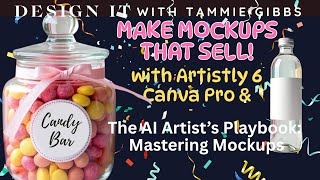
It's finally here! In this video, I’m walking you through how to use the brand new AI Artist’s Playbook: Mastering Mockups to create beautiful, high-converting mockups—using just Artistly + Canva Pro. No Photoshop required! Now, you can use the new Playbook with Photoshop, but many don't have it or the learning curve is just added frustration. The Playbook makes it easy to create with Canva Pro and I show you how in this video.
💡 Whether you're a digital product creator, Etsy seller, or just tired of boring mockups… this is your fast-track to:
Generating trendy mockup images with Artistly or you of course can use your generator of choice
Using my plug-and-play prompt templates
Styling and layering them in Canva like a pro
Creating mockups that actually help sell your products
🙌 The Mockups Playbook is packed with word banks, layouts, tips, and AI-friendly phrasing so you never feel stuck again. It's the system I wish I had years ago—and now it’s yours! Grab your copy before the Launch Special Ends See the links to my Stores below. Limited time Gumroad codes below.
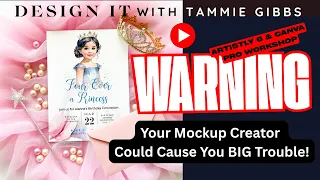
ATTENTION Digital Creators & Etsy Sellers! Your AI-generated mockups might be hurting your sales — In this video from Design It with Tammie Gibbs, I break down exactly how some AI tools (like Artistly 6) may be doing something you're not even realizing and that you need to check BEFORE you list your products. I'll also show you a workaround and how to create your own Scene Creators that you can use for yourself OR Sell to other creators. ▶️ I’ll show you: How to avoid the biggest mockup mistake AI users make How to use this great Canva Pro feature How to create Scene Creators you can actually sell This is part of The AI Artist’s Playbook: Mockup Mastery Edition, your go-to guide for safe, beautiful, and strategic mockup design. Check the links below to read about all of the Great Playbooks in the Series.
Junk Journals
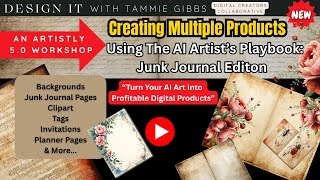
Want to turn your AI art into profitable digital products? In this Artistly 5.0 workshop, I’ll show you how to create multiple sellable junk journal items using the AI Artist’s Playbook: Junk Journal Edition — including backgrounds, clipart, tags, But, we won't stop there we'll explore planner pages, invitations, and more. Perfect for digital product sellers, junk journal creators, and anyone looking to make the most out of AI-generated art. 💡 What You’ll Learn: How to use multiple Artistly 5.0 designers Tips for prompting images that can be used for multiple products Real-time design and walkthrough examples 🎨 Created for: Etsy Sellers • Creatives • Junk Journal Makers • Digital Designers
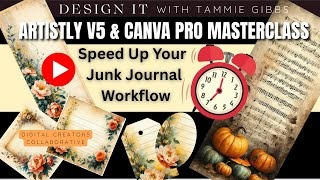
Stop wasting time prompting one image at a time and manually building every single label or tag. In this masterclass, I’ll show you how to speed up your junk journal workflow using Artistly v5 + Canva Pro.
You’ll learn how to:
✅ Save time when prompting junk journal and other images (without waiting around)
✅ Create matching ephemera, labels, tags, and more—faster than ever
✅ Apply AI Playbook strategies to streamline and enhance your prompting
✅ Build full, cohesive junk journal kits from just a few well-planned images
Whether you’re a seasoned printable creator or just starting with AI art, this masterclass will help you create faster, smarter, and with consistent style.
You’ve been waiting for this! In this video, I’m showing you how to create stunning junk journal elements using the new Artistic feature in Artistly 5.0 — and giving you a sneak peek inside Volume 4 of The AI Artist’s Playbook: Junk Journal Edition. Whether you’re making printable ephemera, floral clusters, tags, or vintage backgrounds, I’ll walk you through the exact prompting process I use — so you can make beautiful, unique digital elements faster and more creatively. 🧠 What’s Inside This Video: • A walkthrough of Artistly’s NEW Artistic feature (Version 5) • Prompting tips from Vol 4: The AI Artist’s Playbook – Junk Journal Edition • Real examples • AI design tips for junk journal creators and Etsy sellers
✂️ Ever wondered what *fussy cuts* are and how creators make those beautiful printable sheets for junk journals, scrapbooks, and crafts? In this video, I’ll show you exactly what fussy cuts are, how to make them, and how to outline, cluster, and design your own sheets using AI art and Canva!
You’ll learn:
✅ What “fussy cuts” actually mean and why they’re so popular
✅ How to design your own printable fussy cut sheets step-by-step
✅ The difference between single elements and clusters
✅ How to add white borders and outlines in Canva
Whether you’re creating for fun, for your junk journal, or building digital products for Etsy — this video will help you make gorgeous, print-ready embellishments that your customers (and YOU!) will love.
AI Asset Troubleshooting & Creative Workarounds
AI Images with Backgrounds? Don’t Toss Them – Use Them for These!
Struggling to use AI images that just won’t clean up for clipart? You’re NOT alone!
In today’s video, I’m sharing ** ideas** for **AI-generated images with full backgrounds** — so you can stop stressing about background removal and start monetizing the gorgeous art you’ve already created!
You’ll learn:
✅ My favorite ideas for using these inside **Artistly 6**, **Canva Pro**, and more
If you’ve ever felt stuck with “pretty but unusable” images — this video will unlock a new world of opportunity for you!
🧠 Plus: I’ll show you how to shift your creative thinking and leverage your art where it shines best.
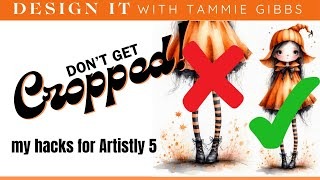
Ever get the perfect design in Artistly 5… only to find your character’s head or upper body chopped off? 😫 In this tutorial, I’m showing you my best hacks to stop your images from getting cropped — and how to keep your whole design in frame.
Whether you’re making clipart, journaling pages, or printables, these tricks will save you frustration and make your art look polished and professional. You’ll see real before-and-after examples, learn why cropping happens, and discover easy fixes that can save you lots of anxiety.
If you’ve been struggling with cut-off characters or half-missing elements, this video is for you!
✨ What You’ll Learn: • Why Artistly sometimes crops your images • Hacks to keep full characters in frame • How to fix cropped art without starting over • My workflow to avoid this problem in the future
AI Images with Backgrounds? Don’t Toss Them – Use Them for These!
Struggling to use AI images that just won’t clean up for clipart? You’re NOT alone!
In today’s video, I’m sharing ** ideas** for **AI-generated images with full backgrounds** — so you can stop stressing about background removal and start monetizing the gorgeous art you’ve already created!
You’ll learn:
✅ My favorite ideas for using these inside **Artistly 6**, **Canva Pro**, and more
If you’ve ever felt stuck with “pretty but unusable” images — this video will unlock a new world of opportunity for you!
🧠 Plus: I’ll show you how to shift your creative thinking and leverage your art where it shines best.
✂️ Ever wondered what *fussy cuts* are and how creators make those beautiful printable sheets for junk journals, scrapbooks, and crafts? In this video, I’ll show you exactly what fussy cuts are, how to make them, and how to outline, cluster, and design your own sheets using AI art and Canva!
You’ll learn:
✅ What “fussy cuts” actually mean and why they’re so popular
✅ How to design your own printable fussy cut sheets step-by-step
✅ The difference between single elements and clusters
✅ How to add white borders and outlines in Canva
Whether you’re creating for fun, for your junk journal, or building digital products for Etsy — this video will help you make gorgeous, print-ready embellishments that your customers (and YOU!) will love.
Get Seen & Sell More
😩 Etsy slow? You’re not alone—but you don’t have to sit in the slump. In this video, I’ll show you how to pivot like a pro, refresh your thinking, and create products that reignite your creative spark and your sales. We’ll talk about how to: ✅ Stop waiting for traffic and take back control ✅ Reimagine your product mix based on what YOU know best ✅ Pull from your passions, work experience, or life knowledge to create products that resonate with real buyers ✅ Use the Profitable Products Playbook + Artistly 6 to execute fast, smart pivots that bring in results This video is part strategy session, part motivational shake-up—and 100% focused on helping you find direction again. 💡 Don’t wait for change. CREATE it.
Why You Need to Own Your Audience (And Other Visibility Hacks Etsy Sellers Miss) 🎯 Etsy is great—until it isn’t. In this video, I’m walking you through how to set up a Facebook Page for your digital product business, and more importantly, why owning your audience is the most important thing you can do to safeguard your shop and scale your success. We’ll cover: ✔️ Step-by-step FB Page setup and more great ideas including the results of organic visibility in the BIG Picture ✔️ What to post and how to use it for visibility ✔️ The problem with depending on Etsy traffic alone ✔️ How to future-proof your business with smart visibility strategies This isn’t just about social media—it’s about building a brand that outlives the algorithm.💡 ✅ Watch the tutorial + visibility talk ✅ Comment: Do YOU own your audience yet? ✅ Grab a Playbook to build your brand on purpose, .

Do you really have a selling strategy for your Etsy shop—or are you just listing products and hoping for the best? In this video, I take you behind the scenes of how I look for real Etsy trends, how to translate those trends into sellable digital products or clipart, and then how to market what you’ve already created with smarter bundling. ✅ We’re talking about combining no-sale products into value-packed bundles, using Etsy data to guide your next idea, and finally getting serious about marketing what’s already sitting in your store. 💬 And yes, this is that kind of video. 👉 “I was going to give you a clean Etsy tutorial… but this turned into one of those ‘just trust me, watch the whole thing’ kinds of videos.” 👉 “This video is a little chaotic... but so is your Etsy shop if you’re still listing products without a real strategy.” If you’ve ever felt stuck, unmotivated, or unsure what to make next, this is the pep talk + roadmap combo you didn’t know you needed.
In this video, I’m walking you through Hour 1 of my bestselling “8 Hours to Jumpstart Your Visibility plan — the same plan that’s helped me grow visibility, sales, and traction with AI-generated products on Etsy. Whether you’re an AI artist, digital creator, or just getting started, this first hour is all about laying the visibility groundwork to make your shop discoverable and competitive without ads. If you're tired of spinning your wheels wondering why your amazing products aren’t getting seen, this step is for you. I’ll share exactly what I do in Hour 1 to kickstart visibility, build momentum, and make sure the Etsy algorithm knows I exist.
If you're constantly checking your Etsy stats, chasing the next bestseller badge, or wondering why your shop isn't blowing up—this is your wake-up call. In this REAL TALK episode, I'm breaking down why Etsy "fame" is overrated—and what you should be focusing on instead if you want real, lasting success as a digital creator. 👉 Etsy is just a tool. You are the brand. When you start thinking like a brand builder instead of a listing launcher, everything changes—your strategy, your visibility, and your income. In this video, we’ll cover: Why Etsy fame alone won’t build a sustainable business What branding actually means (and why it works) How to create your own traffic instead of begging the algorithm What it looks like to build a product ecosystem that supports YOU 💡 Whether you’re an AI artist, Etsy seller, or just tired of chasing views and getting nowhere—this video will shift your mindset and show you what’s really possible. 📚 Want to dive deeper into building a sustainable digital creator business? Check out my Digital Product Creators Playbook ) Links Below.
Are you using AI to create digital products but not seeing the sales you hoped for? You're not alone—and you might be making one (or more) of these 5 costly mistakes that I see ALL the time. In this REAL TALK episode, I’m breaking down the common missteps AI artists make when selling on Etsy, Gumroad, or anywhere digital products are listed. These mistakes can cost you time, money, and momentum—but the good news is they’re all fixable. 🔍 In this video you’ll learn: Why beautiful AI art alone doesn’t equal sales The formatting mistake that’s ruining your printables How SEO can make or break your shop (and how to fix it) Why your “one-off” listings are killing your growth What to do instead of just waiting for Etsy to bring traffic Whether you’re brand new or just not seeing traction, this is the clarity you’ve been looking for. Whether you’re just starting out or feeling burned out, this video will help you get clear, refocused, and excited again about selling on Etsy.
Thinking about selling digital products on Etsy? Or maybe you’ve already spent hours creating listings… but the sales just aren’t coming in. In this video, I’m getting real about what it actually takes to make digital products profitable—and whether the time, effort, and Etsy fees are really worth it in 2025. I’ll break down: Why your time isn’t wasted (even if you haven’t seen big sales yet) The hidden long-term value of digital products Smart pricing and product strategies to actually grow Common mistakes creators make (and how to pivot) Whether you’re just starting out or feeling burned out, this video will help you get clear, refocused, and excited again about selling on Etsy.

Etsy Sellers: Are You Leaving Money on the Table? 💸🛒 If you're not doing this, you're likely losing sales without even realizing it. In this quick tutorial, I show you one simple strategy that many Etsy digital sellers are missing — and how to fix it fast. Whether you're selling clipart, printables, or AI art... this tip can increase your your income. 👉 Watch me walk through exactly what I do — so you can stop leaving money behind and start earning more from every product you list. 🛍️ Want to design faster and smarter? Learn how it helps prompt like a pro (even if you're just starting out).
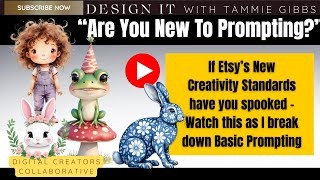
If Etsy’s new Creativity Standards have you panicking, this beginner-friendly tutorial is just what you need. I’ll walk you through how to take a simple AI prompt and tweak it to make it your own — quickly, easily, and creatively. Whether you’re using Artistly, Canva, or another AI tool, these tips will help you stay compliant and confident. 👩🎨 No stress. Just step-by-step guidance and real examples!
Etsy just updated their Creativity Standards… and it hit MY shop! If you're a digital product creator selling clipart, printables, or templates, you need to see this before your shop gets flagged or deactivated. In this video, I break down and show you why I think my listing was deactivated and we discuss what you need to be doing now before one or more of your listings get deactivated too— They are serious this time and they are running through Etsy like a freight train.... 💡 Don't get caught off guard. Watch Now... 🎯 Selling on Etsy just got a bit trickier — but you’ve got this with the right tools.
Are you confused about Etsy's 2025 Creativity Standards? Especially if you're a clipart creator or digital product designer? You're not alone. In this video, I break down exactly what Etsy's new rules really mean for clipart sellers, whether you're using AI art, Canva, or purchased commercial-use graphics. (My interpretation) 👉 I'll show you the difference between being a "reseller" and a "creator" — and how to turn your clipart-based products into truly unique, compliant designs. ✨ PLUS: a mini Transformation Workshop where I walk you through real examples using tools like Artistly AI and Canva Pro. 🎨 Whether you're selling stickers, printables, junk journals, or wall art — this update is for you. 💡 Let’s keep creating smart, beautiful, policy-friendly digital products that SELL.
Etsy just released NEW Creativity Standards — and digital creators everywhere are wondering what it means for their listings, especially AI-generated art and clipart. In this video, I break down exactly what Etsy’s announcement says, how it affects creators like you and me, and why having a solid prompting strategy matters now more than ever. Then, I walk you through a from-scratch prompt demo using Artistly 5.0 + The AI Artist’s Playbook, showing how to design more intentionally, creatively, and confidently — while staying ahead of Etsy’s expectations. 🧠 What You’ll Learn: • What Etsy’s new Creativity Standards actually mean • How this change affects AI art & digital listings • Why playbook owners are already ahead • A real-time Artistly + Playbook walkthrough (yes, we create live!) • Prompting strategies that align with Etsy’s new quality push
Artistly AI Platform Tools
NEW
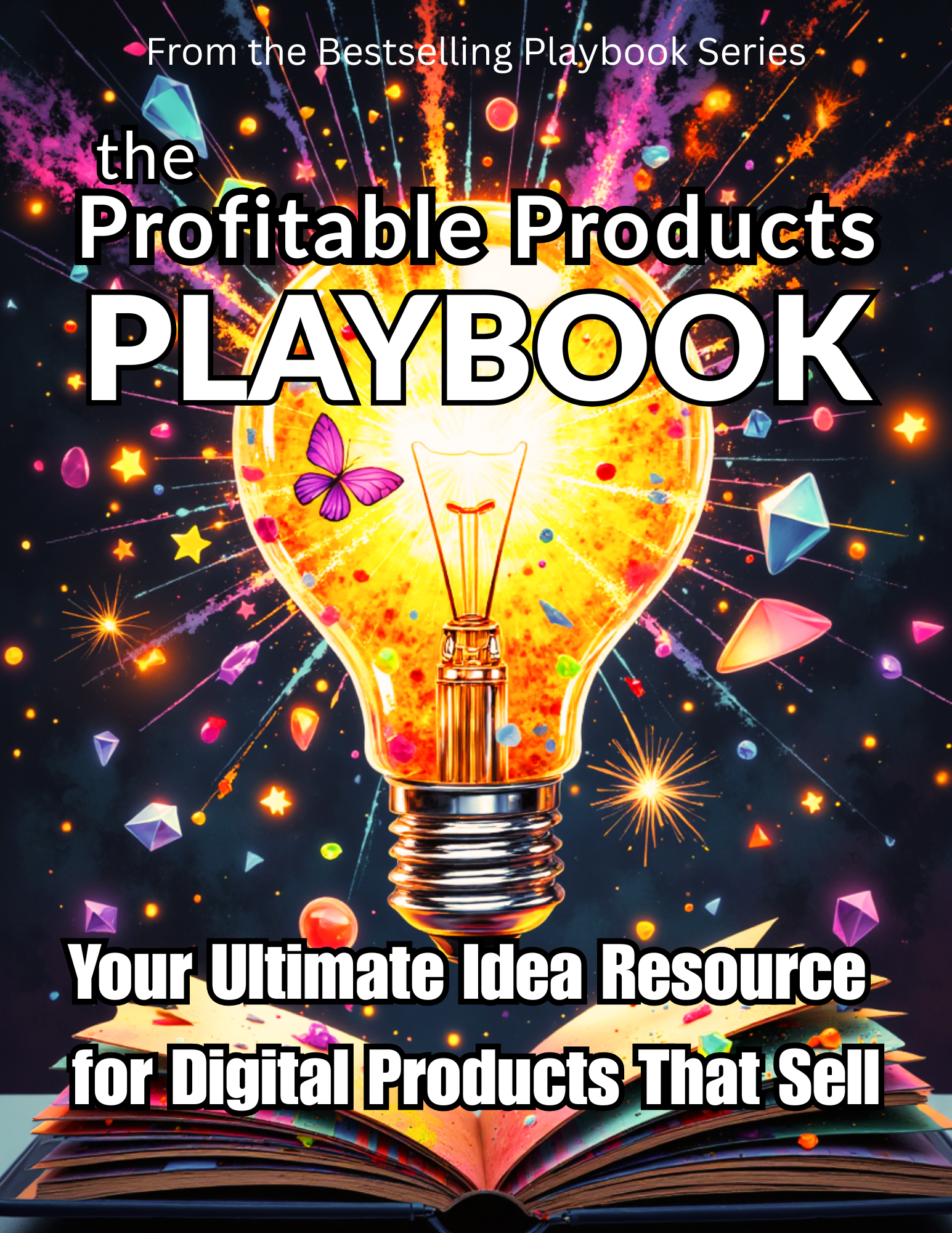
The Profitable Products Playbook
Your Ultimate Idea Resource for Digital Products that SellLaunch Special 50% Off
on Gumroad use Code Summer50
THIS IS A DIGITAL ONLY PRODUCT. NO PHYSICAL PRODUCT WILL BE SHIPPED.
DELIVERY: You will receive a PDF download that will include a link to the Folder with your Playbook . PLEASE DOWNLOAD YOUR DELIVERY PDF and YOUR PLAYBOOK AND STORE SAFELY. KEEP the DELIVERY PDF because from time to time the folder may change and you'll need to keep access to That Folder.
This powerhouse guide is your new go-to for digital product inspiration, printable transformation strategies, and building out collections that actually sell.
🎯 What’s Inside:
💡 Hundreds of proven digital product ideas
🔁 Product Transformation Spotlights to help you multiply every idea
🖼️ Sections for printable art, invitations, planners, journals, and more
🎨 Color Strategy Vault with seasonal & niche palettes (no hex codes needed!)
🧠 Creative Transformation Lab — your playground for turning basic into bestselling
📋 Worksheets & Creative Blueprints to organize your ideas and take action
Whether you're creating for Etsy, Gumroad, TPT, or your own site, this Playbook is packed with real-world examples, niche ideas, and product-building formulas you can use again and again.
💥 Perfect For:
Digital creators feeling stuck or burned out
Etsy sellers looking to expand their shop or stand out in search
Canva or AI art users who want to monetize their designs faster
Print-on-demand designers & printable creators
.🔐 You’ll Receive:
1 PDF Playbook (instant download)
600+ pages of value-packed, visually organized ideas
BONUS: Worksheets at the back to help you map your own product plans
🚀 Why It Works:
This isn’t just a list of ideas — it’s a system for building smart, scalable, repeatable products that reflect your brand. If you've ever had creative overwhelm, product paralysis, or just hit a slow month… this Playbook is the solution.
❤️ Created for Creators
By a creative… for creatives. I'm Tammie — a digital creator, author educator, and AI strategist with 30+ years in sales and marketing. I design Playbooks that are actually fun to use — and full of things that work.
Let’s create something profitable, together.
DELIVERY: You will receive a PDF download that will include a link to the Folder with your Playbook . PLEASE DOWNLOAD YOUR DELIVERY PDF and YOUR PLAYBOOK AND STORE SAFELY. KEEP the DELIVERY PDF because from time to time the folder may change and you'll need to keep access to That Folder.
NEW
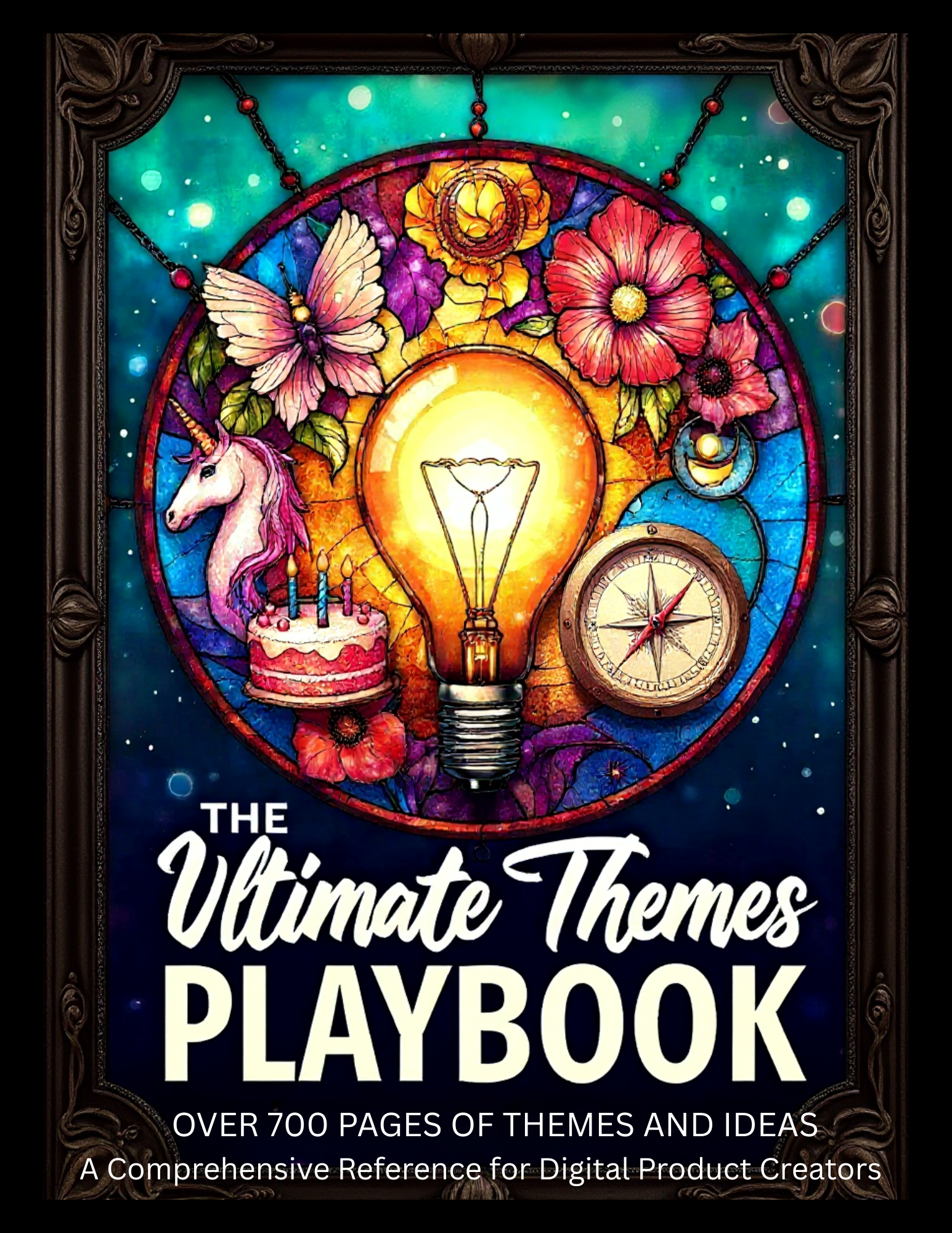
The Ultimate Themes Playbook
Over 700 Pages of Themes & IdeasA Comprehensive Reference for Digital Product Creators
Launch Special 70% Off
on Gumroad use Code Summer50
THIS IS A DIGITAL ONLY PRODUCT. NO PHYSICAL PRODUCT WILL BE SHIPPED.
722 Pages of Year-Round Product Inspiration, Trend-to-Product Guidance & Theme Strategy
🧠 From Trend to Product — Without the Guesswork
You're a digital product creator — which means ideas matter. Spotting a trend is one thing… but knowing what to make from it? That’s where this Playbook shines.
Whether you design clipart, printables, invitations, digital papers, or party sets, this 722-page hyperlinked Playbook helps you go from “what should I make?” to “I’ve got a plan” — fast.
💎 What’s Inside ✔️ 722 hyperlinked pages of theme-driven creative inspiration ✔️ Built specifically for digital product creators ✔️ Umbrella categories (Baby Showers, Holidays, Cottagecore, Retro, etc.) ✔️ Seasonal + evergreen content ideas ✔️ Product planning tips for clipart, printables, planners, party items & more ✔️ Color palettes, stylistic keywords, layout suggestions ✔️ Organized and easy to use — no fluff, just creative direction
🔍 See a Trend? Here's How to Use the Playbook:
-Find the matching theme (Cottagecore? Boho Baby? Spring Florals?)
-Review the included content suggestions + product ideas
-Create with direction using built-in inspiration, visuals & formats
-Launch knowing you’ve aligned with buyer interest
🎯 Perfect For:
Digital product creators
-Clipart designers
-Printable & party product sellers
-Canva and AI-based image creators
-Creators who want to stay relevant and inspired
Why It Works
-No more creative blocks
-Create confidently with seasonally aligned ideas
-Quickly adapt trends into real, sellable products
-Use it as your year-round creative planning tool
❤️ You're going to love this product!
📌 This is more than a Playbook…
It’s the newest chapter in a bestselling series trusted by creators worldwide.
It’s a creative business partner, a year-round trend guide, and a product planning system — all rolled into one.
The AI Artist's Playbook: Mastering AI Clipart & Design
Prompt Phrase and Word Banks, Templates & MoreLaunch Special 50% Off
on Gumroad use Code Summer50
THIS IS A DIGITAL ONLY PRODUCT. NO PHYSICAL PRODUCT WILL BE SHIPPED.
DELIVERY: You will receive a PDF download that will include a link to the Folder with your Playbook . PLEASE DOWNLOAD YOUR DELIVERY PDF and YOUR PLAYBOOK AND STORE SAFELY. KEEP the DELIVERY PDF because from time to time the folder may change and you'll need to keep access to That Folder.
Unlock AI Art Mastery with Volume 2 of The AI Artist’s Playbook! Volume 1 is a Bestseller on Etsy and we are so excited to bring you a Specialized Playbook that picks up where the first volume left off.
AI art isn’t just about writing a prompt—it’s about structuring AI requests, troubleshooting mistakes, and refining outputs to create professional-quality digital assets.
The AI Artist’s Playbook is a 279 page comprehensive guide designed for artists, designers, Etsy sellers, and digital creators who want to generate high-quality AI-generated clipart, patterns, and digital products.
Inside, you'll find:
✔ AI Word Banks – Categorized keywords & phrases for specific art styles.
✔ AI Prompt Templates – Structured frameworks to guide AI-generated art.
✔ Clipart & Illustration Techniques – How to generate marketable AI clipart & themed sets.
✔ Trending Styles and ideas on how to build prompts to create them.
✔ Prompt Troubleshooting Section – Fix common AI mistakes & refine your results.
✔ Seamless Pattern & Digital Product Tips – AI workflow insights for print-on-demand & digital sales, marketing ideas, preparing your art for sale, floral prompting guide and more...
This is NOT a list of AI prompts—it’s a full-scale reference book designed to help creators develop, refine, and structure AI-generated clipart for maximum quality and marketability.
📂 What You’ll Get:
📌 279 Pages of structured AI art guidance
📌 AI Word Banks for Targeted Descriptions
📌 Clipart & Illustration AI Frameworks
📌 AI Prompt Templates for Marketable Art
📌 Step-by-Step Art Style & Composition Insights
📌 Prompt Troubleshooting & Fixes
Perfect for: AI Artists | Etsy Sellers | Digital Product Creators | Designers | Prompt Engineers
DELIVERY: You will receive a PDF download that will include a link to the Folder with your Playbook . PLEASE DOWNLOAD YOUR DELIVERY PDF and YOUR PLAYBOOK AND STORE SAFELY. KEEP the DELIVERY PDF because from time to time the folder may change and you'll need to keep access to That Folder.
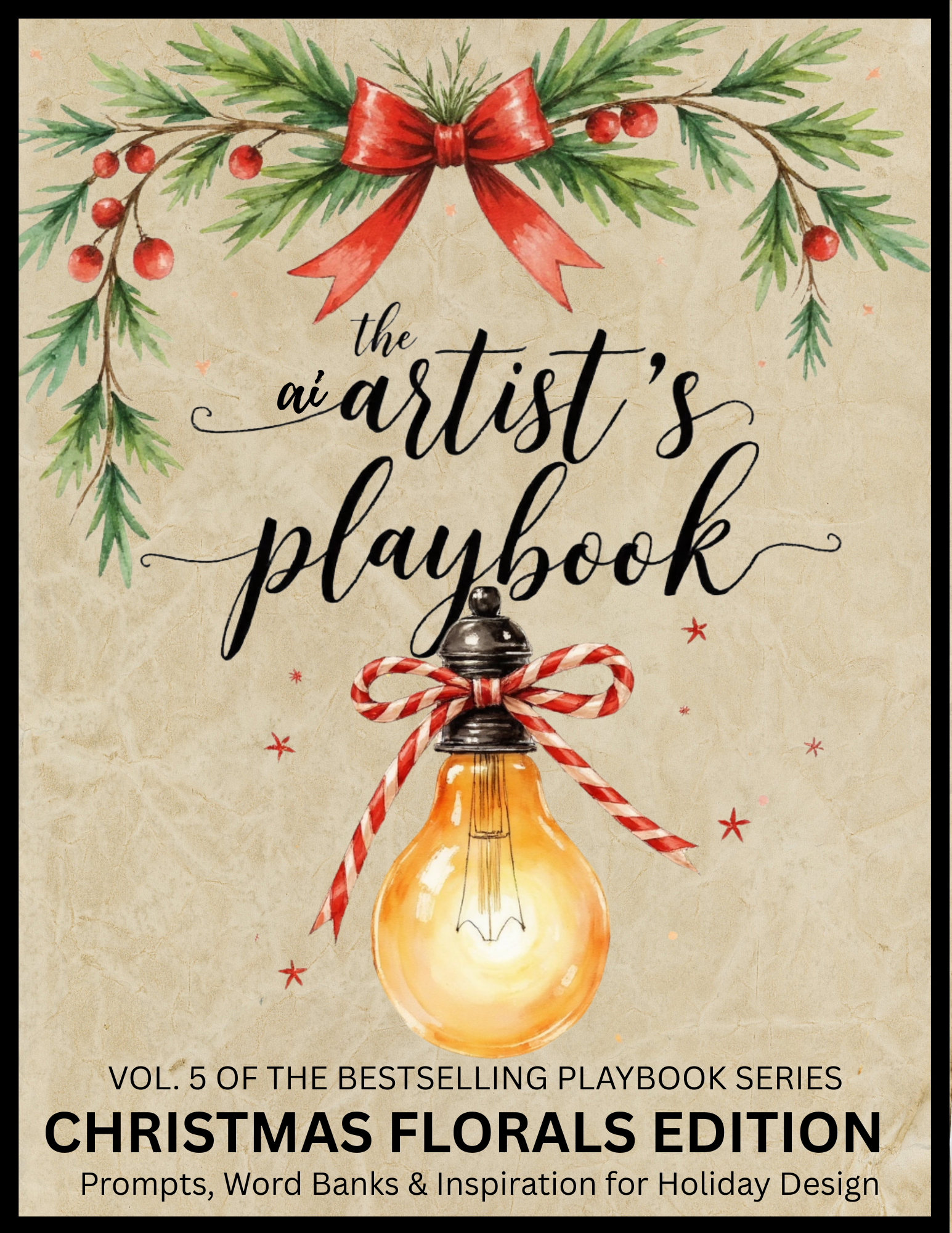
The AI Artist's Playbook: Christmas Florals Edition Prompts, Word Banks & Inspiration for Holiday Design
Launch Special 50% Off
on Gumroad use Code Summer50
THIS IS A DIGITAL ONLY PRODUCT. NO PHYSICAL PRODUCT WILL BE SHIPPED.
Unlock AI Art Mastery with Volume 5 of The Bestselling AI Artist's Playbook Series...I'm so excited to introduce the latest Volume just in time for Q4 and the Holiday Season. AI art isn’t just about writing a prompt—it’s about structuring AI requests, troubleshooting mistakes, and refining outputs to create professional-quality digital assets. This AI Artist’s Playbook is a 100 page comprehensive guide designed for artists, designers, Etsy sellers, and digital creators who want to generate high-quality AI-generated Christmas Florasl for clipart, patterns, and digital products.
What You’ll Get:
🎨 Style-building tools for Christmas botanicals: poinsettias, mistletoe, holly, berries, pine, and more
🧠 Word banks to support your creative process: color palettes, layout terms, seasonal moods & vibes
🧵 Layout inspiration: swags, wreaths, borders, single blooms, repeating patterns & printables
📌 Use this guide to streamline your holiday product planning, from individual elements to full collections
✅ Ideal for making: Clipart sets, Journaling elements, Ephemera pages, Digital Papers, Stickers, Printable Decor & More
-
This is NOT a list of AI prompts—it’s a full-scale reference book designed to help creators develop, refine, and structure AI-generated clipart for maximum quality and marketability.
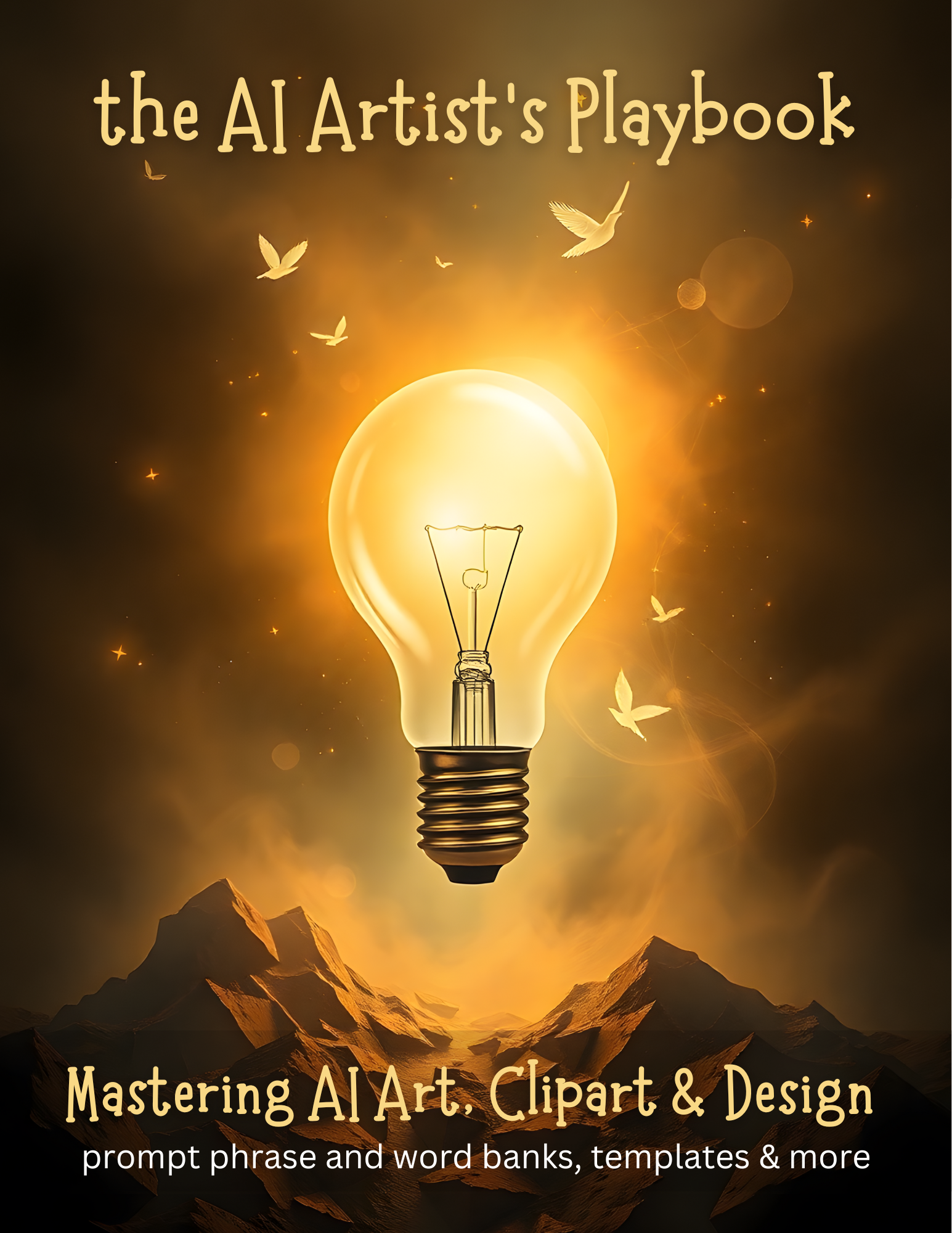
Vol 1: The AI Artist's Playbook: Mastering AI Art, Clipart & Design
Prompt Phrase and Word Banks, Templates & MoreLaunch Special 50% Off
on Gumroad use Code Summer50
THIS IS A DIGITAL ONLY PRODUCT. NO PHYSICAL PRODUCT WILL BE SHIPPED.
DELIVERY: You will receive a PDF download that will include a link to the Folder with your Playbook . PLEASE DOWNLOAD YOUR DELIVERY PDF and YOUR PLAYBOOK AND STORE SAFELY. KEEP the DELIVERY PDF because from time to time the folder may change and you'll need to keep access to That Folder.
Unlock AI Art Mastery with The AI Artist’s Playbook! AI art isn’t just about writing a prompt—it’s about structuring AI requests, troubleshooting mistakes, and refining outputs to create professional-quality digital assets. The AI Artist’s Playbook is a 400+ page comprehensive guide designed for artists, designers, Etsy sellers, and digital creators who want to generate high-quality AI-generated art, clipart, patterns, and digital products.
This is NOT a list of AI prompts—it’s a full-scale reference book designed to help creators develop, refine, and structure AI-generated art for maximum quality and marketability. Learn to create your own original prompts that set you apart.
Inside, you'll find:
✔ AI Word Banks – Categorized keywords & phrases for specific art styles.
✔ AI Prompt Templates – Structured frameworks to guide AI-generated art.
✔ Clipart & Illustration Techniques – How to generate marketable AI clipart & themed sets.
✔ Art Style & Design Breakdowns – Watercolor, fine-line, anime, pop art, vintage engraving & more.
✔ Prompt Troubleshooting Section – Fix common AI mistakes & refine your results.
✔ Seamless Pattern & Digital Product Tips – AI workflow insights for print-on-demand & digital sales.
What You’ll Get:
📌 400+ Pages of structured AI art guidance
📌 AI Word Banks for Targeted Descriptions
📌 Clipart & Illustration AI Frameworks
📌 AI Prompt Templates for Marketable Art
📌 Step-by-Step Art Style & Composition Insights
📌 Prompt Troubleshooting & Fixes
Perfect for: AI Artists | Etsy Sellers | Digital Product Creators | Designers | Prompt Engineers
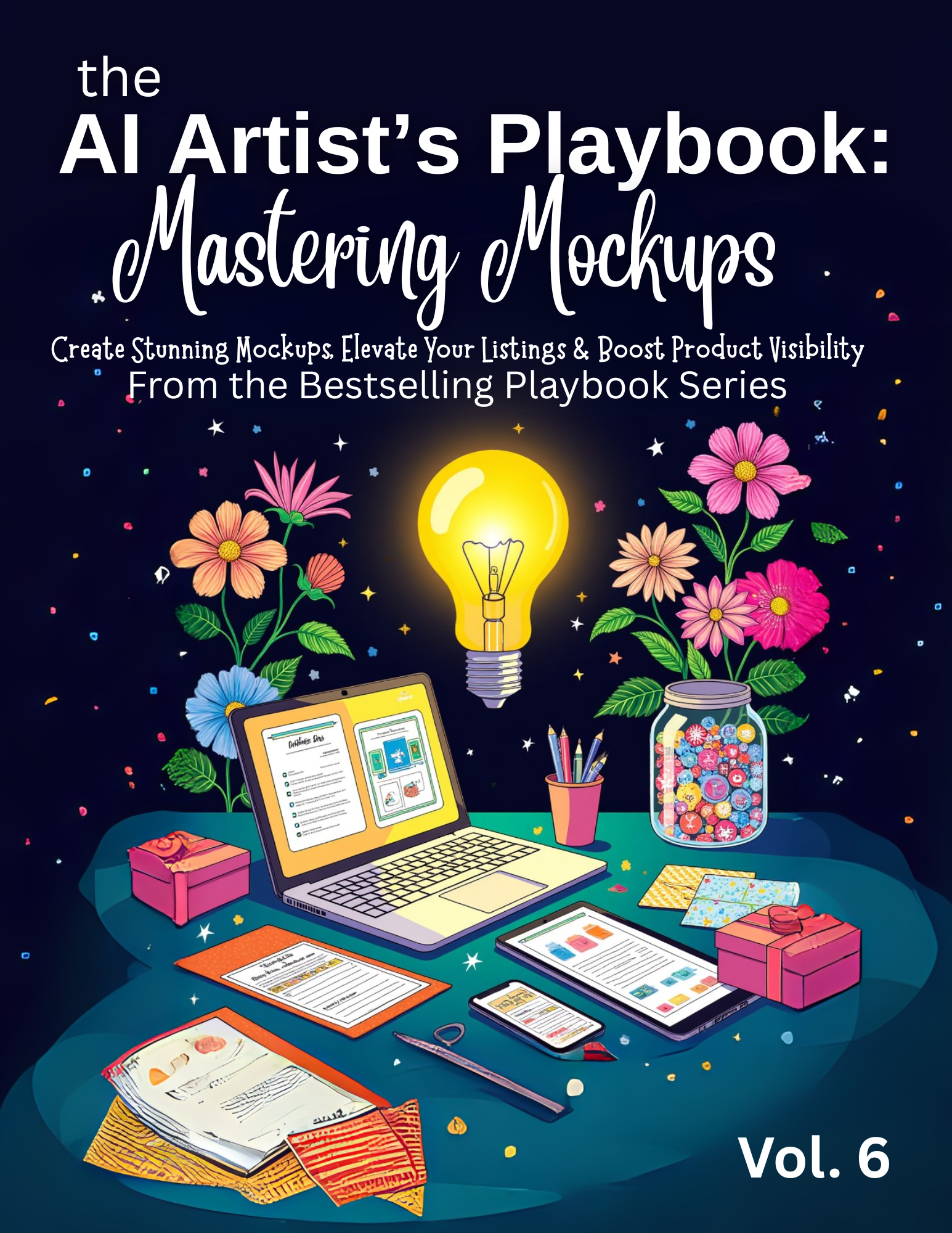
Vol 6: The AI Artist's Playbook: Mastering Mockups
Prompt Phrase and Word Banks, Templates & MoreLaunch Special 50% Off
on Gumroad use Code Summer50
THIS IS A DIGITAL ONLY PRODUCT. NO PHYSICAL PRODUCT WILL BE SHIPPED.
DELIVERY: You will receive a PDF download that will include a link to the Folder with your Playbook . PLEASE DOWNLOAD YOUR DELIVERY PDF and YOUR PLAYBOOK AND STORE SAFELY. KEEP the DELIVERY PDF because from time to time the folder may change and you'll need to keep access to That Folder.
Whether you design clipart, printables, invitations, planners, or party sets — this next-level Playbook was made for creators who want to showcase their work with stunning visuals using AI-powered design strategies and more..
What It Is:
A 600+ page powerhouse Playbook filled with detailed word and phrase banks, creative layout ideas, prompt-building strategies, and visual inspiration to help you generate professional, polished mockups for your digital products.
Built for:
✔️ Etsy Sellers
✔️ Clipart & Printable Creators
✔️ Canva & Artistly Users
✔️ Teachers, Coaches & Content Creators
✔️ Anyone ready to turn their digital products into bestsellers with better visuals
📸 What’s Inside:
✔️ 600+ with hyperlinked table of contents for easy navigation
✔️ Smart layout inspiration for showcasing digital products beautifully
✔️ Product-specific sections: clipart, invites, labels, bundles, worksheets, forms & more
✔️ Strategic word and phrase banks for guiding AI tools effectively
✔️ Printable mockup examples + ideas for real use cases
✔️ Tools, tips & guidance compatible with Artistly, Canva, Midjourney, and others
✔️ Marketing-minded suggestions for making your listings stand out
In Addition You'll get lots of ideas for showcasing your products via your Etsy Store etc. as the Playbook gives you lots of tag lines, and specific store building tips. 🎯 You’ll Discover: 🖼️ How to prompt for polished mockups that highlight your product’s best features 🧠 How to visually differentiate your items in crowded marketplaces 📚 Creative ways to present your digital products across multiple platforms 🛍️ Techniques for matching mockups to product type, buyer intent & seasonal relevance 📎 Your Instant Download Includes: 1 x PDF Playbook (600+ pages) Hyperlinked Table of Contents Strategy notes and prompt-building guidance throughout
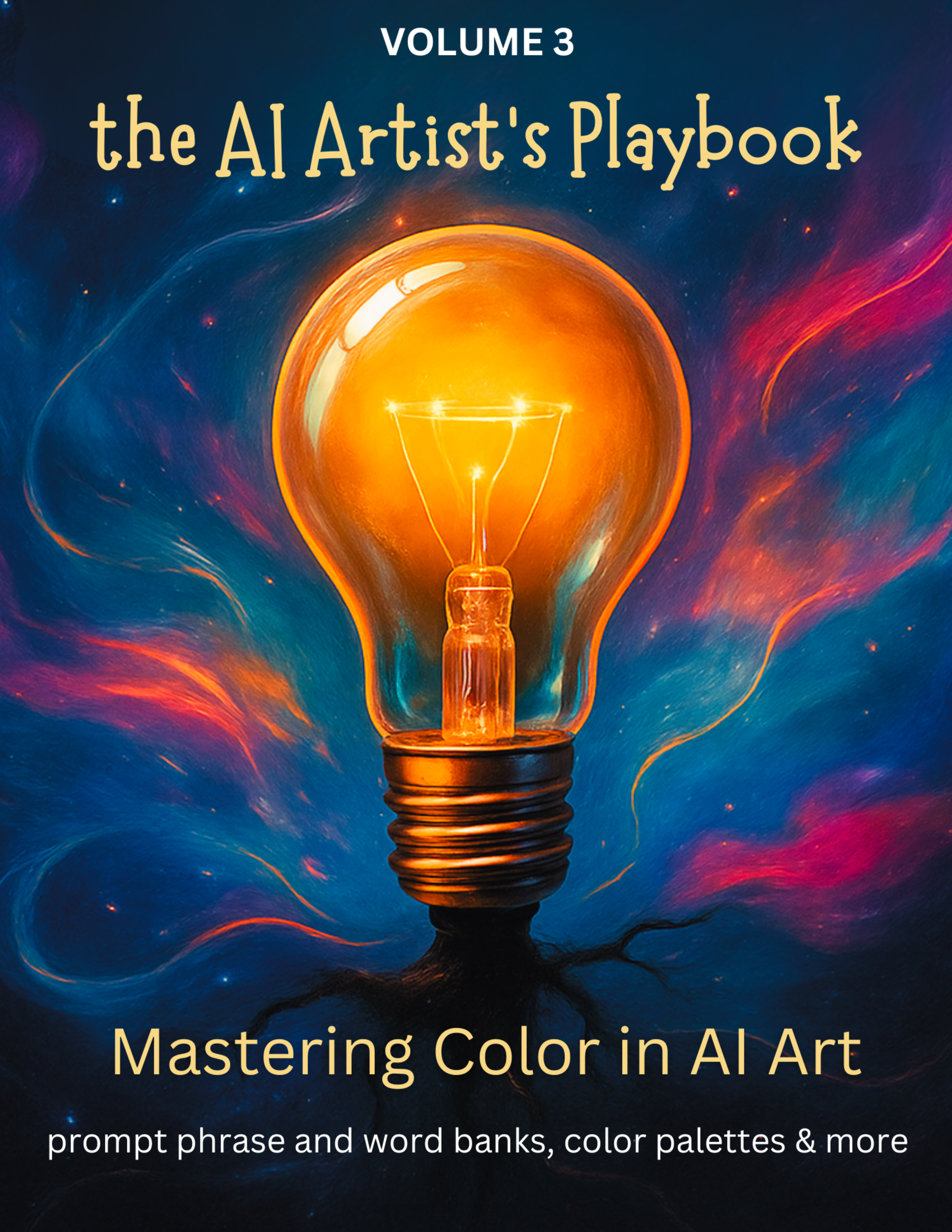
Vol 3: The AI Artist's Playbook: Mastering Color in AI Art
Prompt Phrase and Word Banks, Templates & MoreLaunch Special 50% Off
on Gumroad use Code Summer50
THIS IS A DIGITAL ONLY PRODUCT. NO PHYSICAL PRODUCT WILL BE SHIPPED.
DELIVERY: You will receive a PDF download that will include a link to the Folder with your Playbook . PLEASE DOWNLOAD YOUR DELIVERY PDF and YOUR PLAYBOOK AND STORE SAFELY. KEEP the DELIVERY PDF because from time to time the folder may change and you'll need to keep access to That Folder.
Learn to Create vibrant, professional AI art with confidence, and how to create market-ready color prompts. This comprehensive guide is your color companion for using AI art tools like Midjourney, Artistly, and more. Whether you're designing clipart, printables, or full compositions, this playbook gives you the skills and ready-to-use tools to begin prompting with precision, emotion, and style. ✨ You’ll Learn How To: ✔ Understand how AI interprets color, lighting, and saturation ✔ Prompt for mood, tone, contrast, and finish ✔ Create color palettes based on trends, seasons, and product types ✔ Troubleshoot washed-out, muddy, or overly bright results ✔ Use color to elevate branding, clipart sets, stickers, and more ✔ Build, name, and apply your own palettes like a pro
Inside You’ll Find: ✔ Color word banks & phrase templates ✔ Trend-based color boards (with hex codes!) ✔ Prompt structure templates ✔ Seasonally inspired palettes ✔ Style-specific color guidance for clipart creators ✔ Printable cheat sheets and quick references ✔ Final polish tools for post-prompt editing and color tweaks For personal use only. This guide is protected by copyright and may not be shared, copied, or resold. Great For: Digital artists, Etsy sellers, Artistly/ Midjourney/AI users, clipart creators, printable designers, prompters, and brand builders. 🎁 Pair it with my other Playbooks
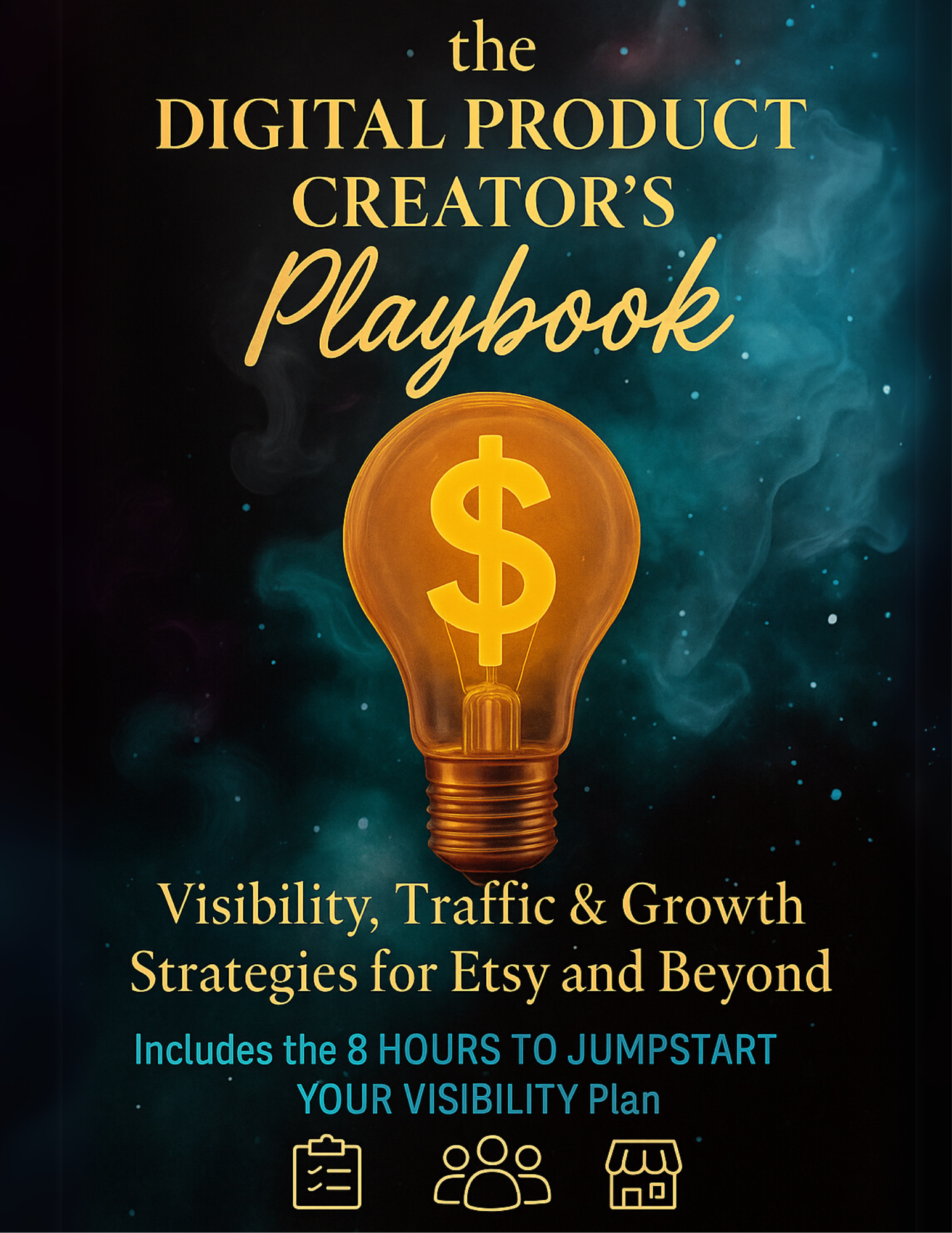
The Digital Product Creator's Playbook: Visibility, Traffic & Growth Strategies for Etsy and Beyond
Prompt Phrase and Word Banks, Templates & MoreLaunch Special 50% Off
on Gumroad use Code Summer50
THIS IS A DIGITAL ONLY PRODUCT. NO PHYSICAL PRODUCT WILL BE SHIPPED.
DELIVERY: You will receive a PDF download that will include a link to the Folder with your Playbook . PLEASE DOWNLOAD YOUR DELIVERY PDF and YOUR PLAYBOOK AND STORE SAFELY. KEEP the DELIVERY PDF because from time to time the folder may change and you'll need to keep access to That Folder.
You’ve made the digital products. Now let’s get them seen and sold.
If you’re a creator who’s feeling invisible — stuck in Etsy’s shadows or lost in the scroll of social media — this playbook was written for you.
The Digital Product Creator’s Playbook gives you the exact strategies, systems, and tools to build lasting visibility, boost your shop’s SEO, and get consistent traffic (without running ads or chasing trends).
Created by a fellow digital product seller, these are some of the same strategies I used to gain bestseller status on Etsy and Amazon and now it’s yours.
From one creator to another: I know how frustrating it can be to do everything “right” and still not get seen. That’s why this Playbook exists.
You don’t have to guess anymore.
You just have to start.
For personal use only. This guide is protected by copyright and may not be shared, copied, or resold.
What You’ll Get Inside: -200 page playbook PDF for Etsy and digital product seller visibility -8-Hour Visibility Plan (do it in a day, or one hour at a time) -SEO Simplified — with a tag builder, product title formula, and myth-busting guide -Pinterest & Instagram strategies that don’t require being an influencer -Clipart & Printable seller guidance — including mockup tips and usage ideas -Swipe files & phrase banks — CTA prompts, email lines, problem-solution templates -Quarterly Report Card + “Are You Growing or Guessing?” self-check tool -Lots of Bonus Resources and productivity templates
Who It’s Perfect For: -Etsy sellers with great products but no traction -Clipart creators & printable sellers who want to stand out -Beginners unsure where to start with visibility -Seasoned shops ready for more strategy and momentum -Creators who want organic growth without burnout What You’re Getting: Digital download PDF (instant access via Etsy) Tools you can reuse every quarter You don’t need another planner. You need a plan. This Playbook shows you how to: Build traffic that compounds Get found by the right audience Turn your digital shop into a consistent income stream
DELIVERY: You will receive a PDF download that will include a link to the Folder with your Playbook . PLEASE DOWNLOAD YOUR DELIVERY PDF and YOUR PLAYBOOK AND STORE SAFELY. KEEP the DELIVERY PDF because from time to time the folder may change and you'll need to keep access to That Folder.
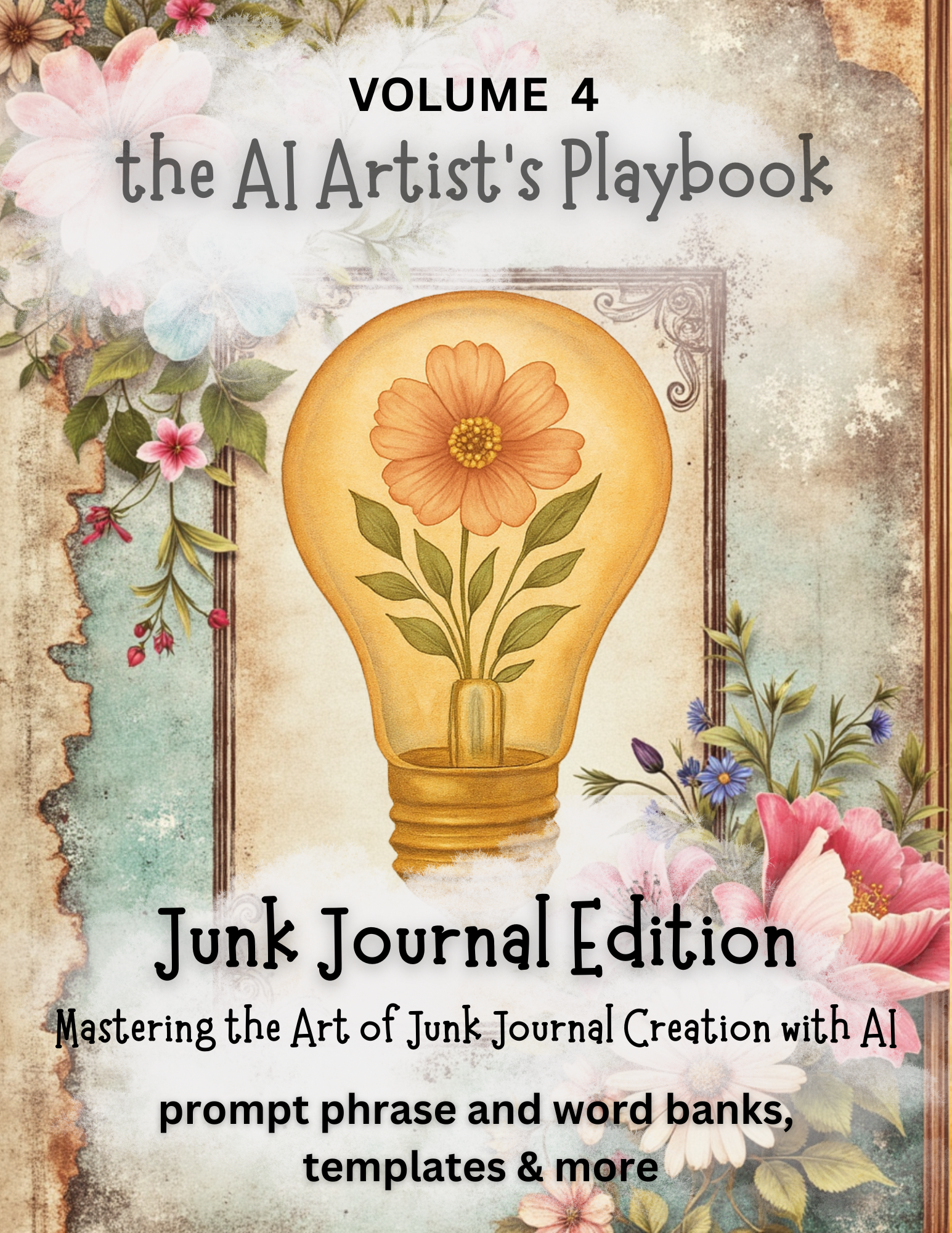
The AI Artist's Playbook: Junk Journal Edition
Mastering the Art of Junk Journal Creation with AILaunch Special 50% Off
on Gumroad use Code Summer50
THIS IS A DIGITAL ONLY PRODUCT. NO PHYSICAL PRODUCT WILL BE SHIPPED.
Only Available on Gumroad
Volume 4 in the now Etsy Bestselling AI Artist's Playbook Series — this one has been a long time in the making and a highly requested volume. When I say it was made just for you, junk journalers, printable creators, and vintage-style art lovers, I'm not exaggerating. I have spent months curating everything I could think of into this Volume to help you bring your vision to life using AI tools — without losing that handmade, heartfelt magic junk journalers love. So, if you've ever wished you could create beautiful ephemera, backgrounds, tags, or full-page spreads with a little help from AI, or you've struggled because you just didn't know what that thingamabob was called to get the whatcha ma'callit that you want created, this guide is your new best friend.
It's truly a creative treasure trove for junk journal lovers, digital creators, and vintage-style artists ready to unlock the magic of AI!
Inside you'll find over 375 Pages of amazing... -Step-by-step prompt strategies for popular styles like grunge, vintage floral, retro, minimalist & more -Amazing word & phrase banks designed to spark inspiration and guide your AI tools -Prompt templates for backgrounds, borders, tags, ephemera, printables & full pages -Export tips, troubleshooting help & formatting guidance for high-quality results -BONUS worksheets, vocabulary banks & printable resources to help you stay organized -A cozy, supportive voice cheering you on every step of the way
Love from Our Fellow Creators & Customers
Each playbook is a must have in my creator library and by testing new techniques blending themes, colors, emotions from each book every creation is a new delight.
moneymom721/Etsy
Lovely Christmas Trees perfect for holiday products.
Frances/ Etsy
As usual Tammie's products are stellar. I use them often, as a matter of fact they stay opened on my monitor while I'm creating my prompts.
Cheryl/ Etsy
This is my second purchase from Trotters Ln Treasures. This time she created a custom digital bundle for me to print, frame, and hang in my Goddaughter’s nursery — and it turned out perfectly! I sent over some ideas, and she absolutely delivered beyond expectations. She was such a pleasure to work with and maintained excellent communication from start to finish. I couldn’t be happier with how everything turned out! Highly recommend! Arriel/Etsy
A must-have! It provides valuable information and helpful tips, just like all the other playbooks. Whenever I get stuck on an idea and cannot think of a good rephrasing or adding text for better detail, I consult the Playbook. R/Etsy
Love all the help that Tammi is giving me on learning what I need in order to be a success and also how to talk to AI. Marilyn/Etsy
Tammie has out done herself once again there is so much information in this book. It has helped me get closer to recreating a character in artistly that I made in midjourney over a year ago and if you use midjourney then you know sometimes the updates dont always work like you want. I almost have my character lined out once again in artistly since its a one time payment. Again this book is wonderful. tiguesbunnies/Etsy
What an amazing resource! I will never be stuck for what to create ever again. Highly recommended. Thank you Tammie xx Jo/ Etsy/
Great item. Perfect for keeping my prompts!Sandra/Etsy
I love all of her stuff and her youtube videos. She is extremely helpful. Cherry/Etsy
Perfect and so useful, like all Tami's Playbook! Jessica/Etsy
A wealth of information and very easy to navigate. Excellent quality. Melanie/Etsy
The playbooks have been a game changer, I recommend 100% Johanna/Etsy
I am getting addicted to your amazing Playbooks. Thanks for another creation on Christmas Florals. Mahmudul Hasan/Etsy
Love these playbooks!!! Thanks so much for creating them. Very useful. Kim/Etsy
Such a helpful guide! I love the layout and how easy it was to find what I needed. Beverly/Etsy